
Give the scene a new lead
Replace a person in a video with a character, mascot or animal from your reference images. Use the source clip to guide the action and composition.
Try Vuppo RecastChange the character. Keep the idea moving. Use Vuppo Recast to transform a video with your own reference images, from a new lead to a different product or setting.
Template preview for inspiration. Your result will depend on your video, references and settings.
Use AI to change a character in a video, or take the same idea in a different direction with products, outfits and environments.
Replace a person in a video with a character, mascot or animal from your reference images. Use the source clip to guide the action and composition.
Try Vuppo RecastProvide an image of a product, prop or outfit, then describe which element you want to replace. Keep your creative focused on a recognizable visual reference.
Try Vuppo RecastTry a new setting or visual style. Combine image references with a short instruction about what should change and what should stay.
Try Vuppo RecastCreate localized casts, products and settings from one source video and keep your production moving.
Try Vuppo RecastStart with a video character swap template. Recreate loads its source video and reference images into the editor, ready for your changes.
Template preview for inspiration. Your result will depend on your video, references and settings.
Keep the gesture people recognize, then make the finished video yours with a new character and visual identity.
Try Vuppo RecastTurn a reveal, gesture or cinematic move into a product story without reshooting the performance.
Try Vuppo RecastGive mascots, virtual characters and creatures a recognizable action to play in.
Try Vuppo RecastCreate localized casts, products and settings from one source video and keep your production moving.
Try Vuppo RecastTemplate preview for inspiration. Your result will depend on your video, references and settings.
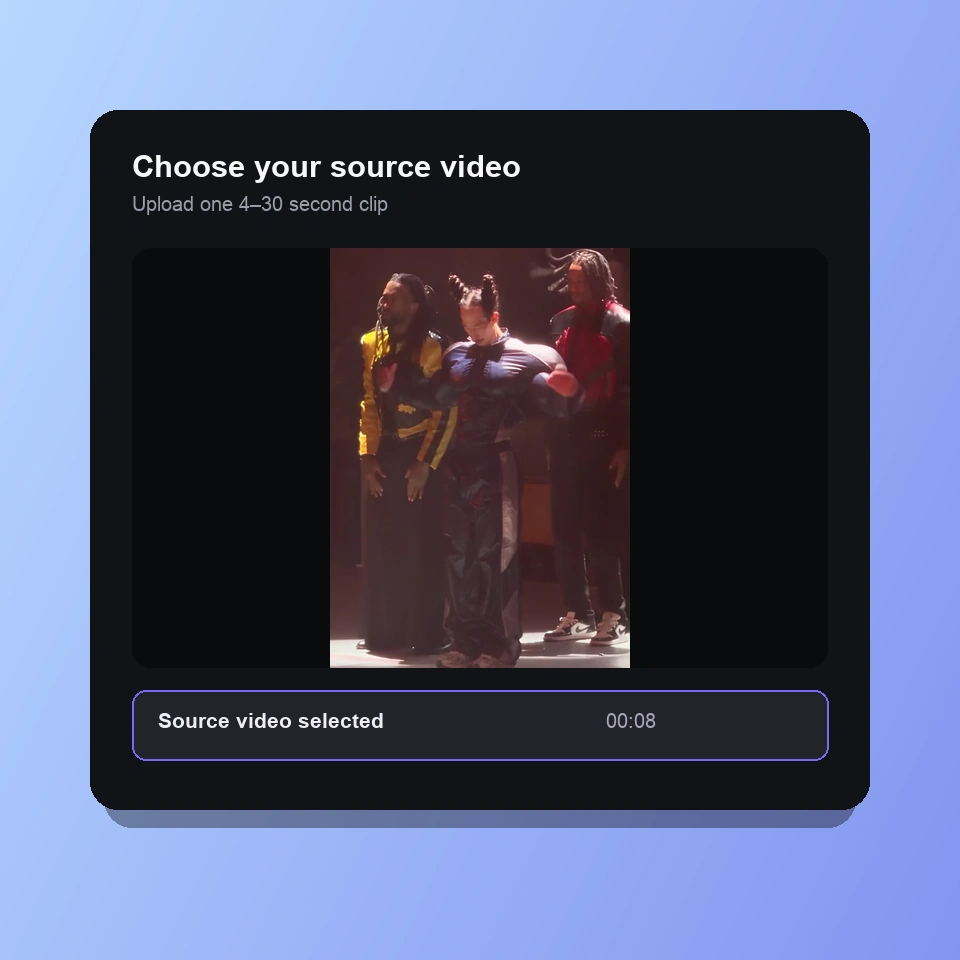
01
Upload one video between 4 and 30 seconds, or recreate a template. Pick a clip with clear movement and a visible subject.
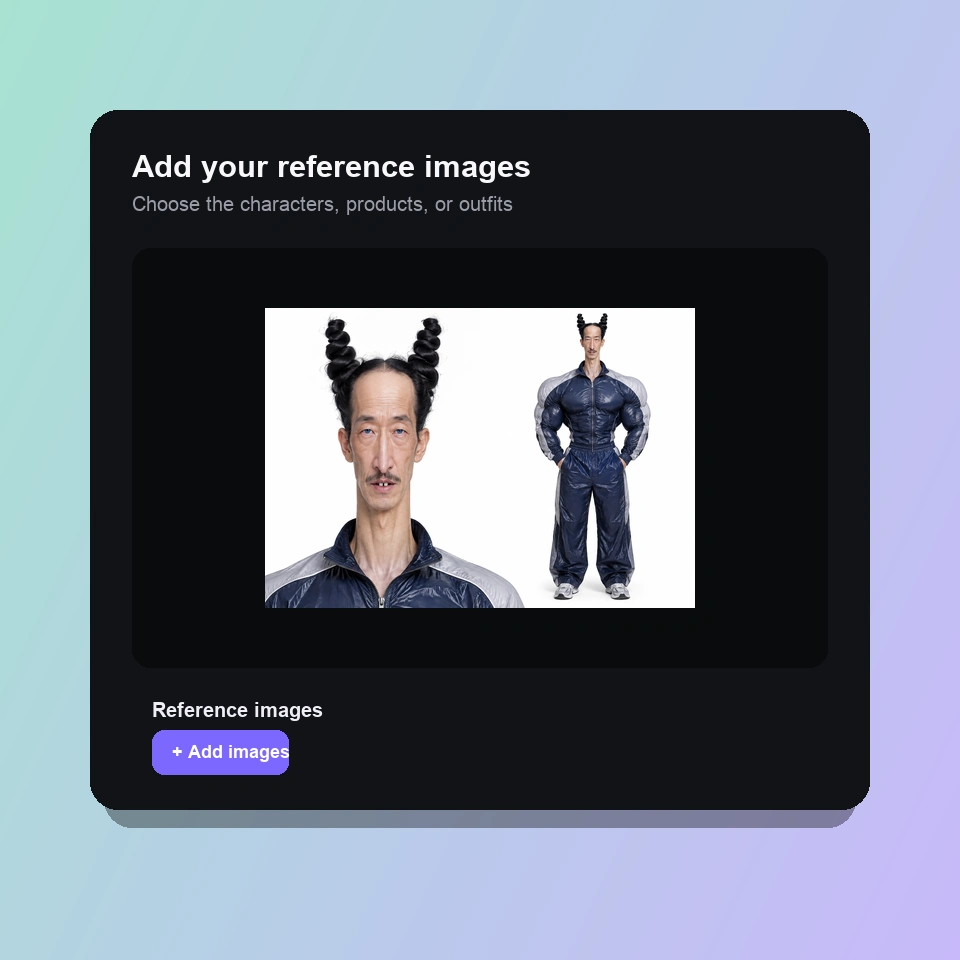
02
Add 1–10 images of the characters, objects or setting you want. Use the optional prompt to explain which part of the video each reference should replace.
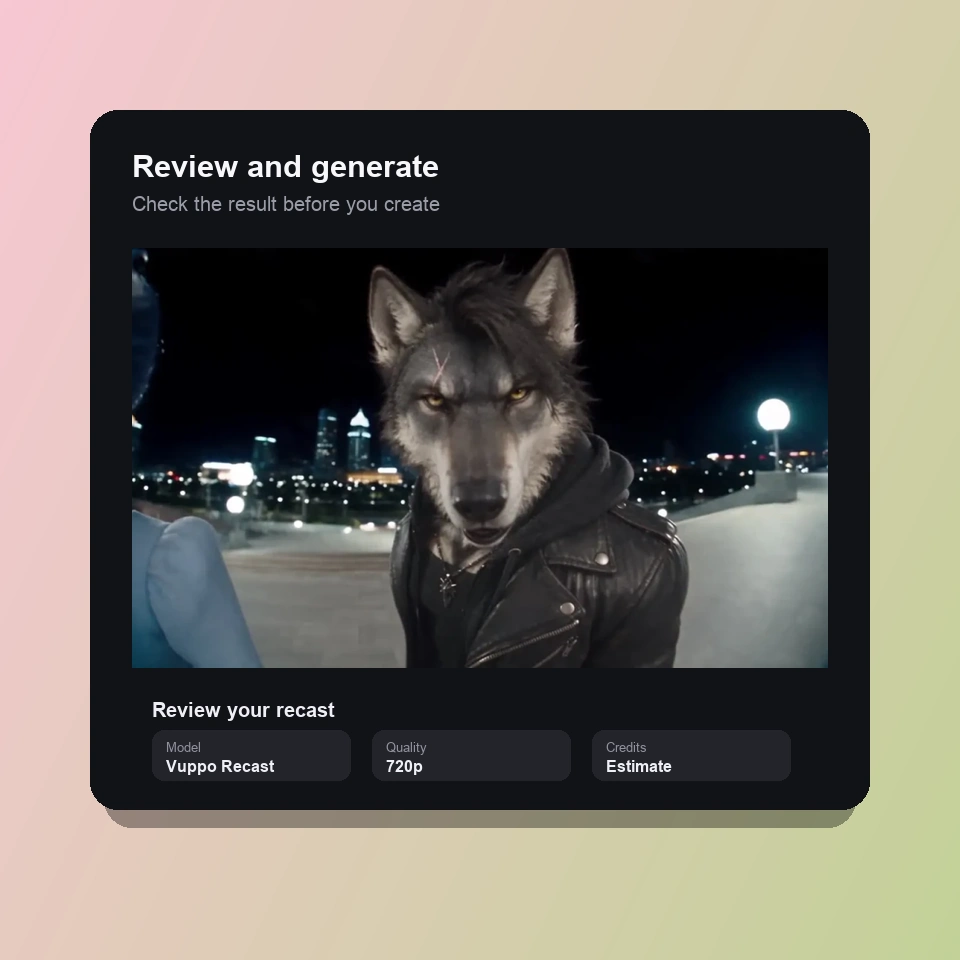
03
Choose your settings and check the credit estimate before generating. Review your result in History, then download it or adjust your inputs.
AI character swap uses a source video and image references to reimagine the subject in a scene. Vuppo Recast uses the video as a guide for the action and composition, while reference images guide the new appearance. It can also be used for products, outfits and settings.
A face swap focuses on replacing the face while keeping the surrounding footage. Vuppo Recast regenerates the scene from a video and references, so the change can include the whole character, clothing, objects or background. Details and identity may vary between generations.
Use one source video between 4 and 30 seconds and 1–10 reference images. The images can show a person, animal, product, outfit or setting. Clear, well-lit references and an unobstructed subject in the source video give the model more useful detail.
The prompt is optional. You can start with a source video and reference images. For multiple references or a specific replacement, add a short instruction identifying what each image should change and what you want to keep.
The credit estimate uses the actual duration of your uploaded source video and your selected generation settings. Vuppo Recast follows the applicable Seedance discount, and the editor shows the estimate before you generate. Browsing templates and loading one with Recreate do not use generation credits.
Choose sharp reference images with the face, clothing and important features clearly visible. Match the reference angle to the source where possible. For a targeted change, explain which subject to replace and which details to retain. Review the result and refine your references if the identity or scene drifts.
Bring a source video and your references. Create your next character swap with Vuppo Recast.
Generate now