AI VIDEO GENERATORAND IMAGE STUDIO
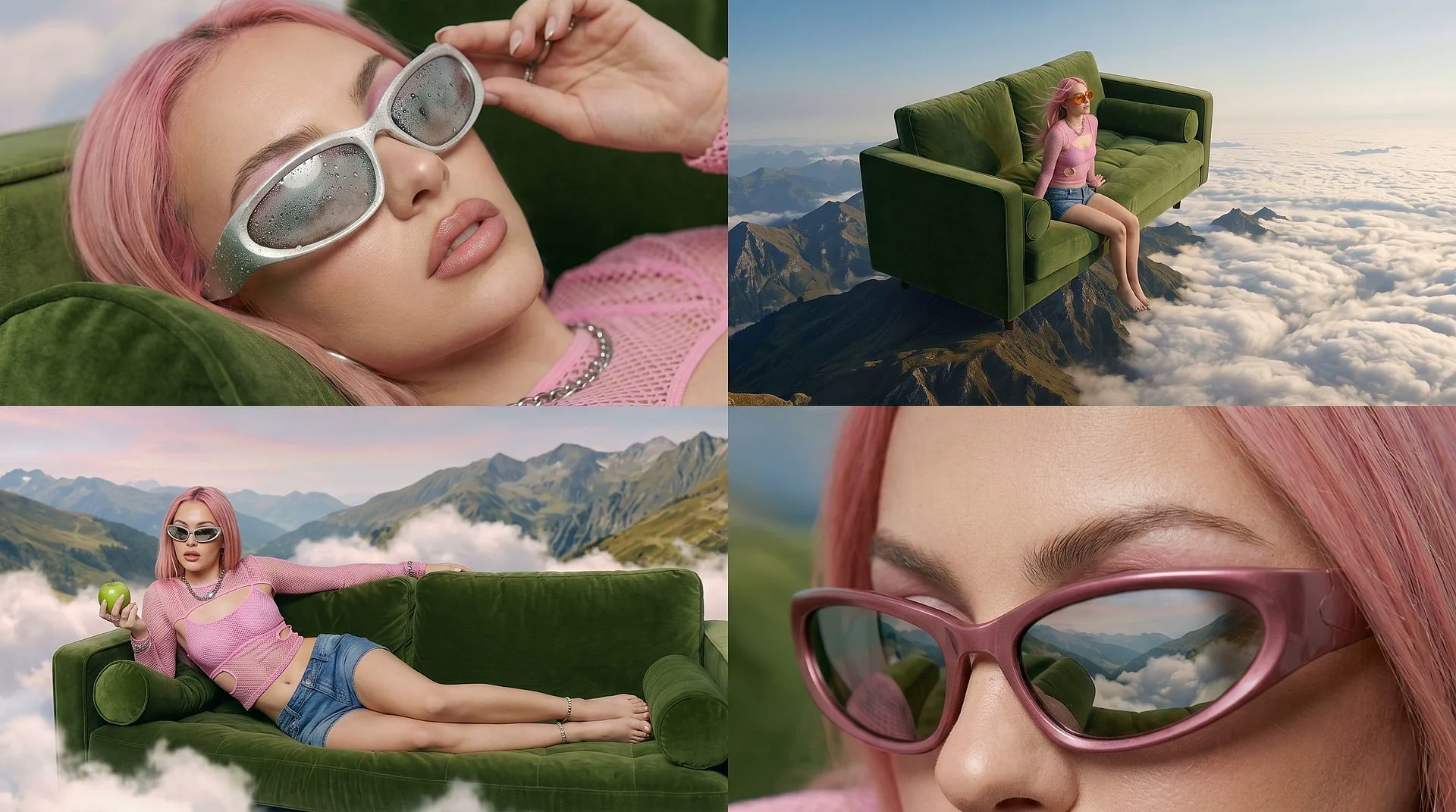
Create AI videos and images from text, photos, and reference clips with production-ready controls.
EXPLORE EVERY WAY TO CREATE
Switch between generation, editing, and motion workflows, preview the result, and open the right studio without breaking focus.
AI Video Generator
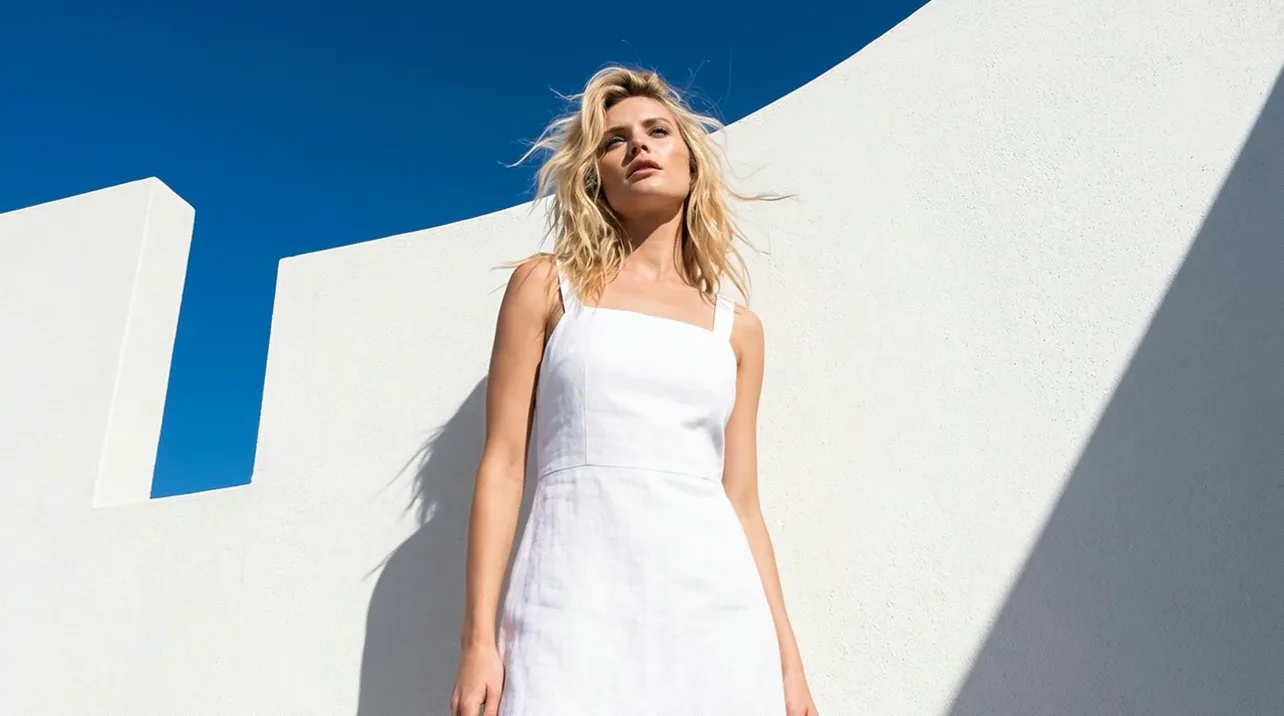
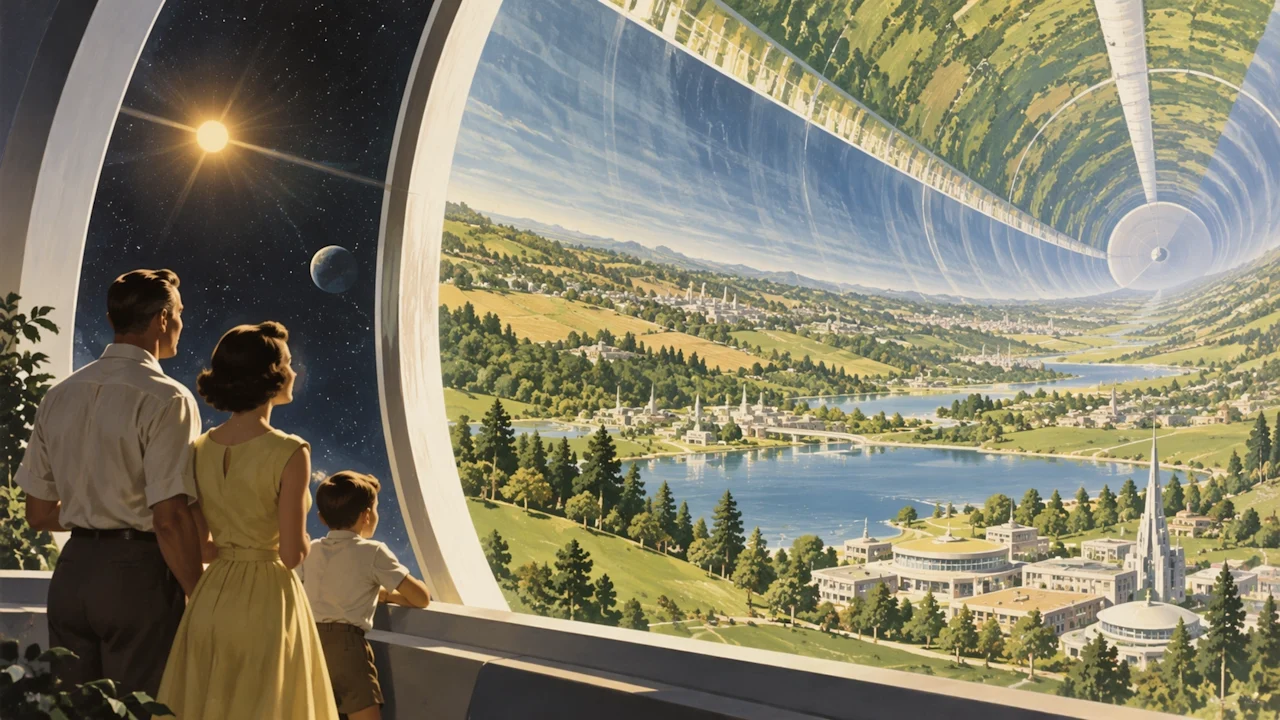
Create text-to-video and image-to-video clips with Seedance, Kling, Grok, and more.
FROM DIRECTION TO FINAL FRAME
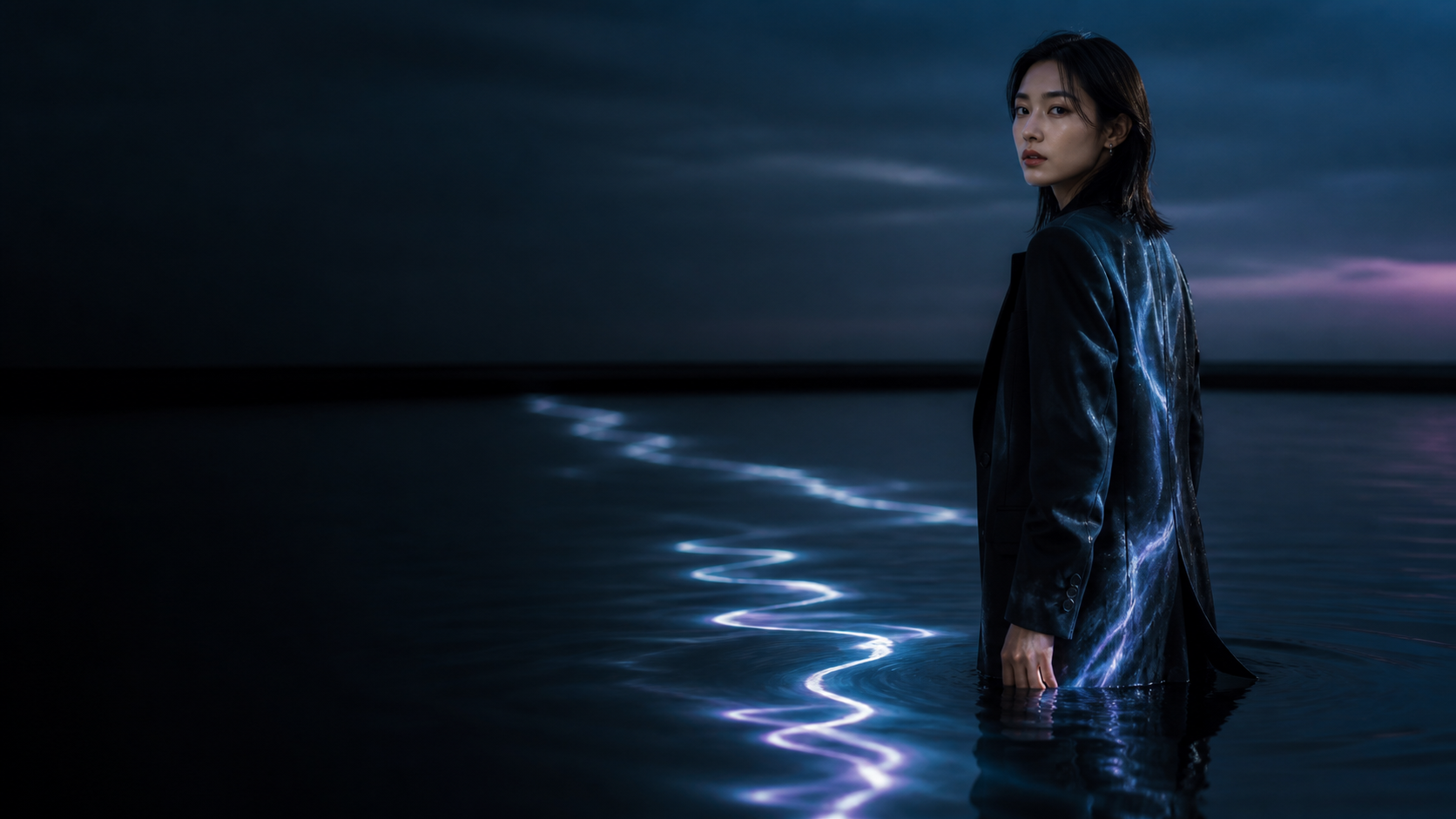
Shape the reference, generate variations, and carry the strongest idea into video without leaving the studio.
LEADING AI MODELS IN ONE STUDIO
Choose the model that fits the shot without rebuilding your workflow in another tool.
Seedance 2.5
Build longer, story-led shots from prompts, images, audio, and reference video.
- Resolution
- 720p
- Duration
- 4-30s
- Inputs
- Multimodal
AI GENERATION FAQ
Answers about Vuppo's AI video, image, editing, and motion control workflows.
Start your next AI video
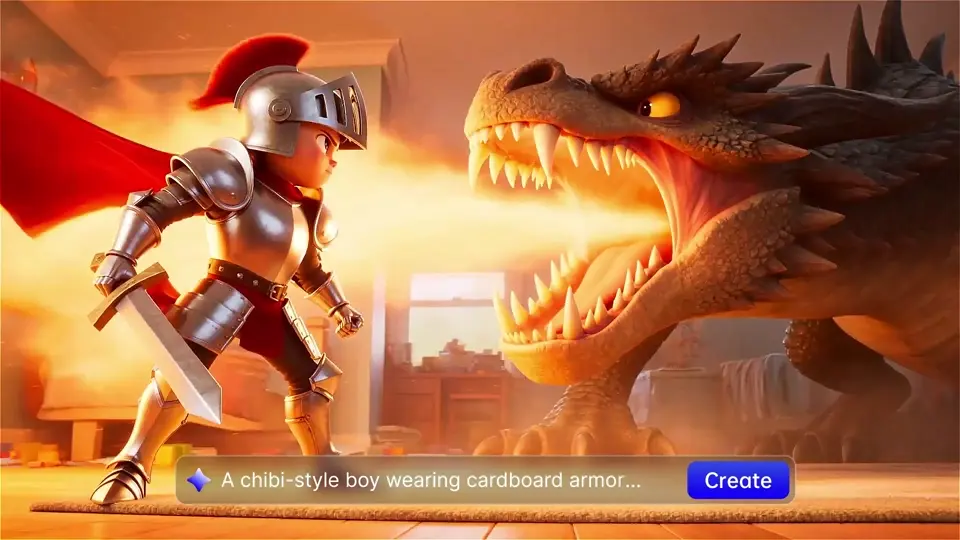
Choose a model, add a prompt or reference image, and build the shot in Vuppo.
View plansWhat is Vuppo?
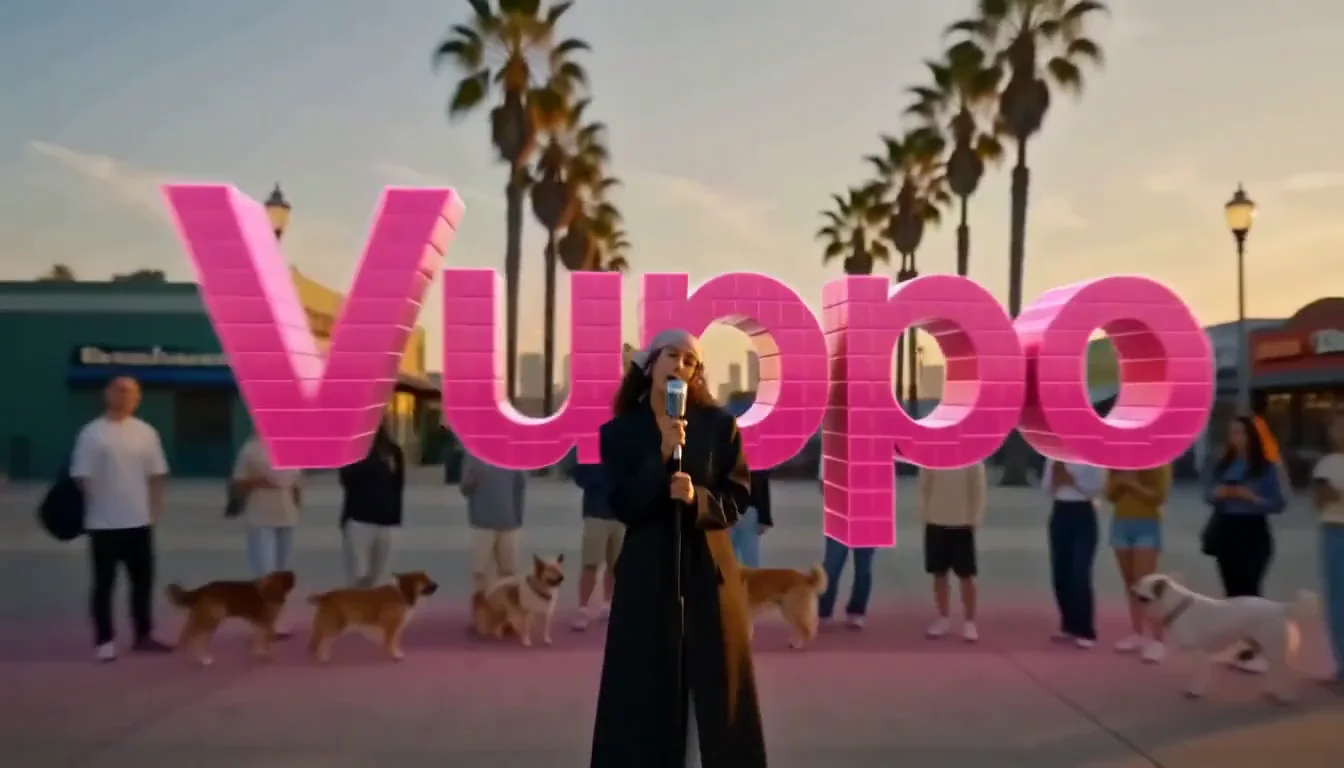
Vuppo is an AI creative studio for generating images, creating videos, editing footage, and transferring motion from reference clips.
Can I turn text or images into AI video?
Yes. The AI Video Generator supports text-to-video and image-to-video workflows, with model-specific controls for format, duration, and creative direction.
Which AI models are available?
Vuppo brings together models including Seedance 2.5, Kling, Grok, Flux, Nano Banana, GPT Image, and Seedream. Available models can vary by workflow.
Can I edit an existing video with AI?
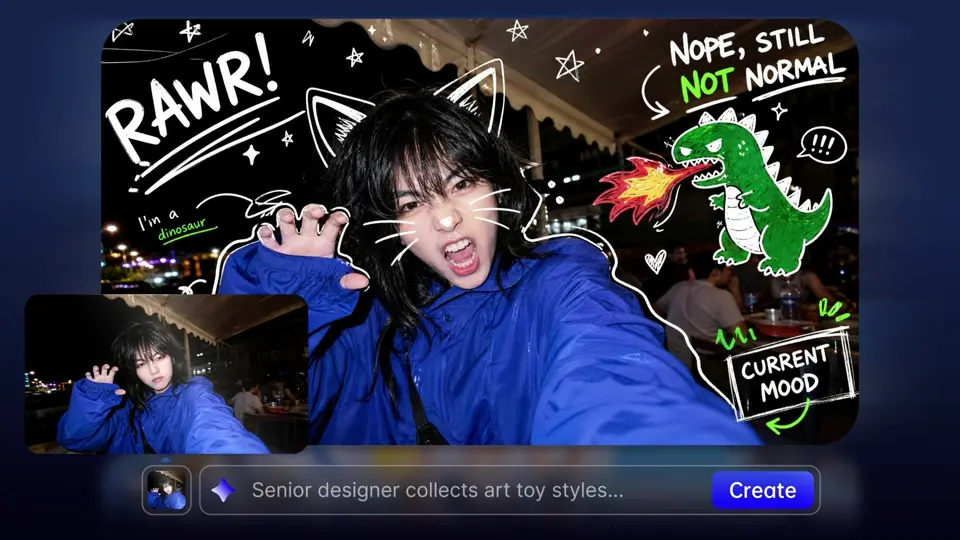
Yes. Use the AI Video Editor to change objects, backgrounds, lighting, and visual style with natural-language instructions.
How does AI Motion Control work?
Upload a reference clip and a target image. Motion Control transfers the reference movement and camera behavior to the new subject.