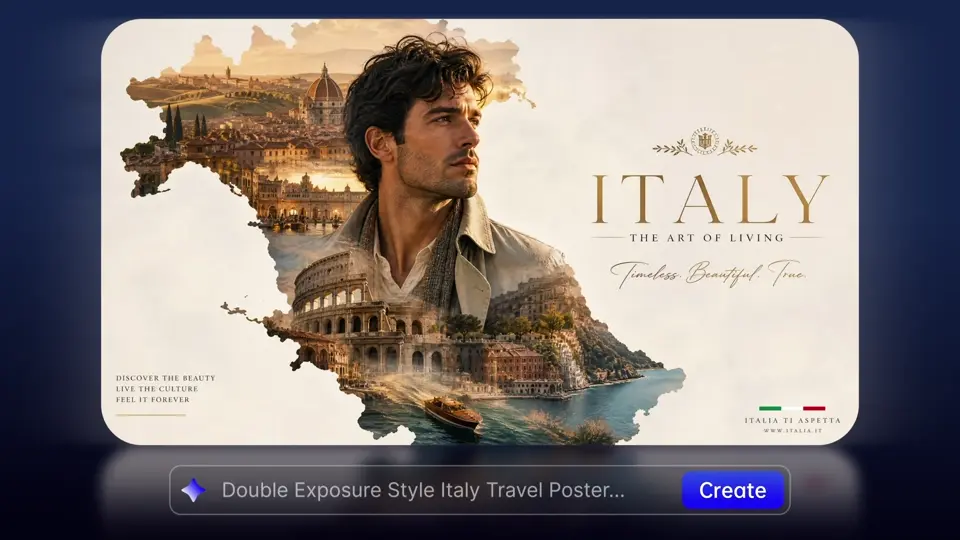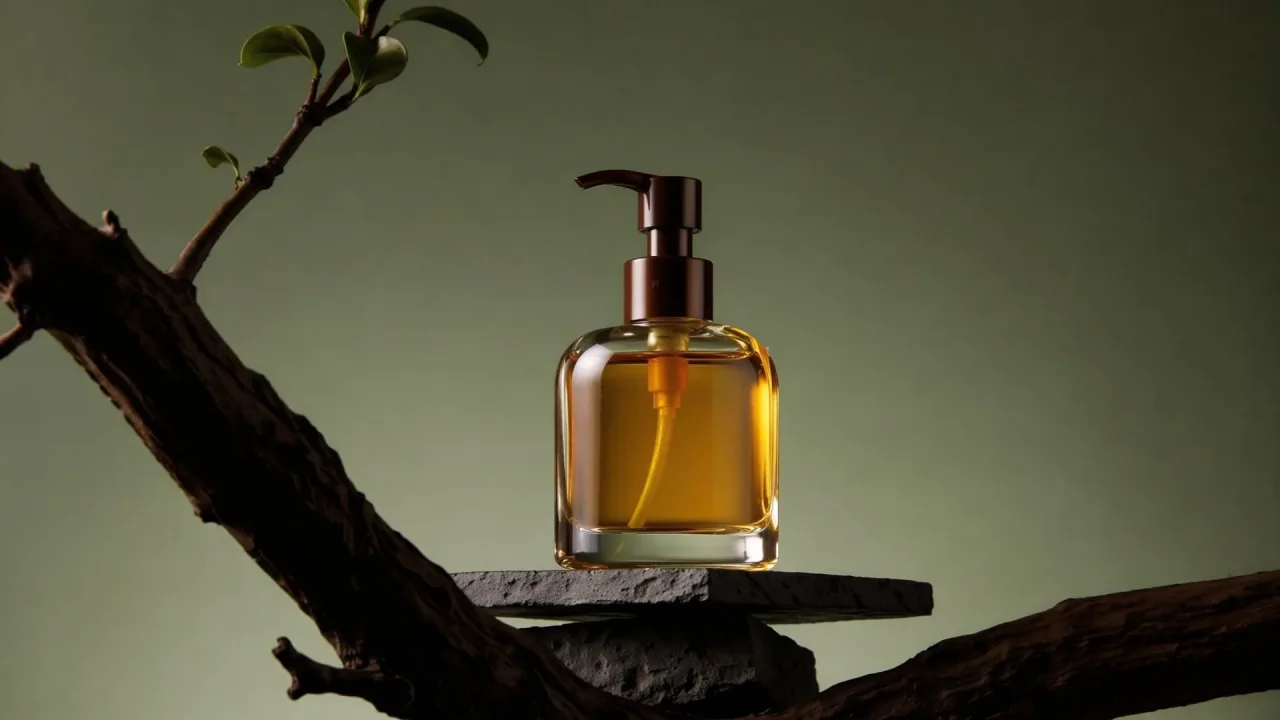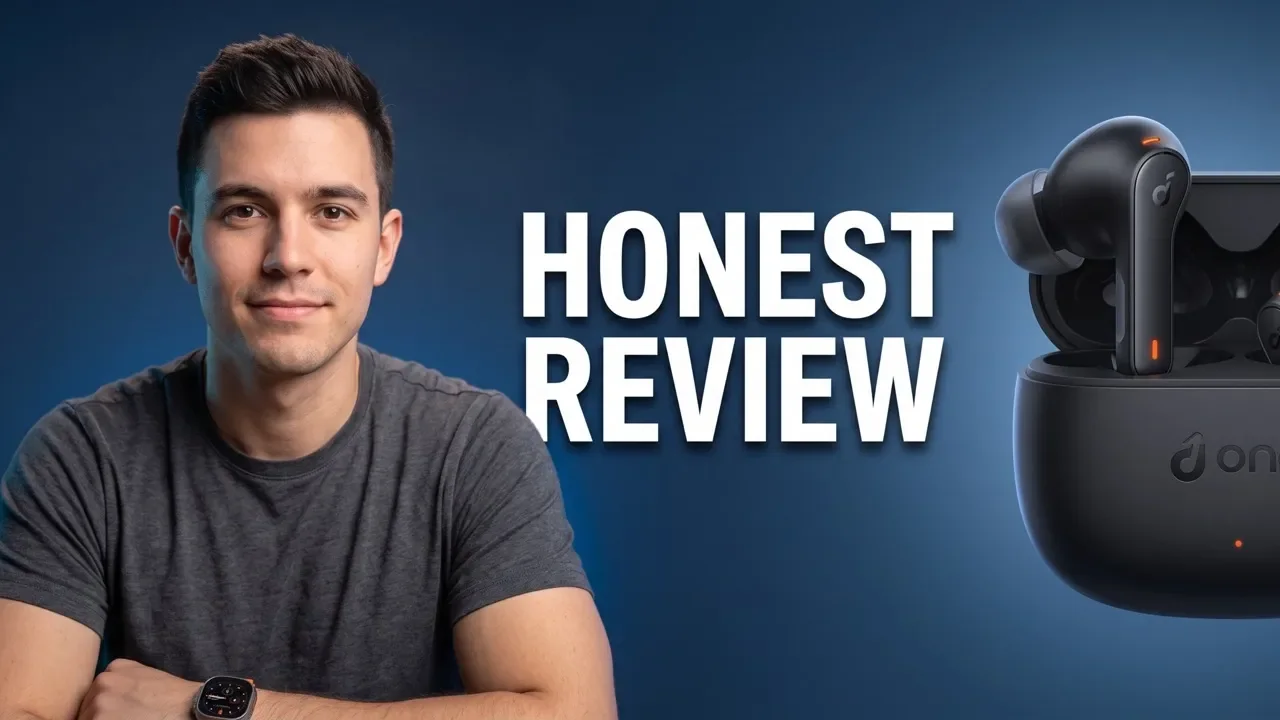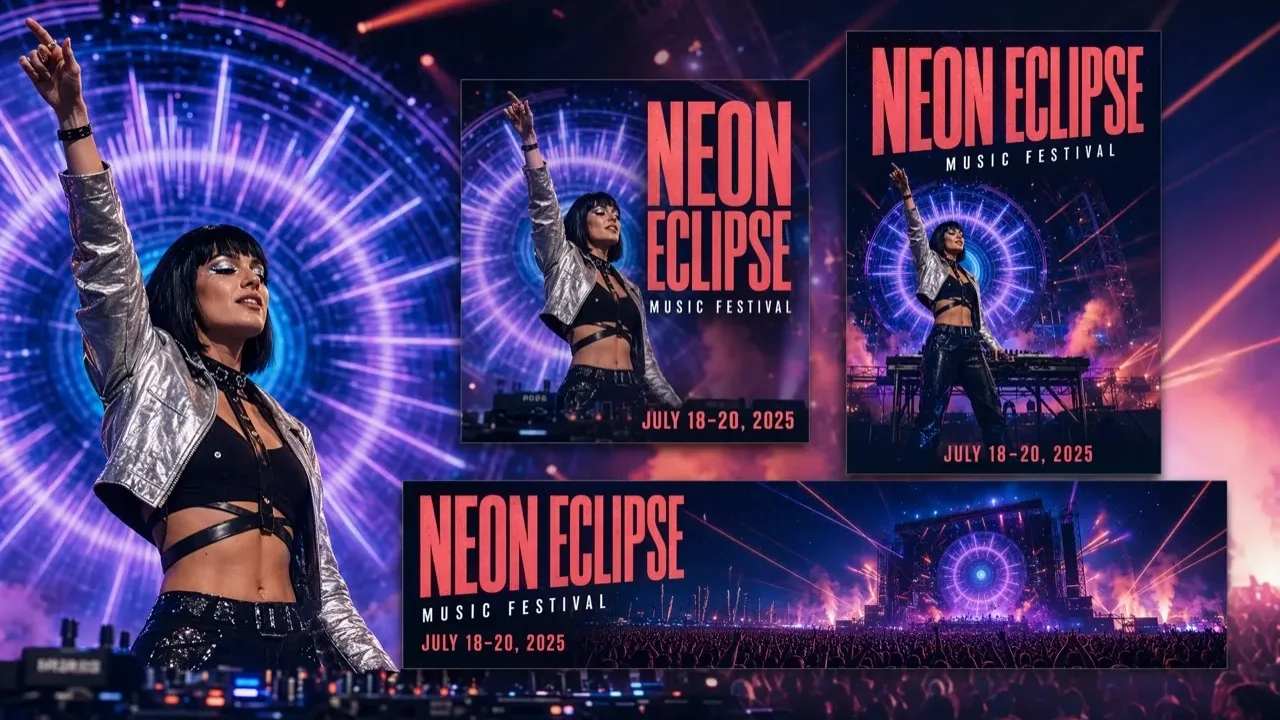
AI IMAGE GENERATORTEXT & REFERENCE IMAGE
Create polished images with leading models, visual references, and flexible output up to 4K.
Create Image NowGenerate with the model that fits the image
CHOOSE HOW TO START
Start from words, one source image, or several visual references depending on the result you need.
CREATE, GUIDE, AND REFINE AI IMAGES
Move from a written idea or reference image to polished, reusable visual work in one Vuppo workspace.
OUTPUTS BUILT FOR REAL BRIEFS
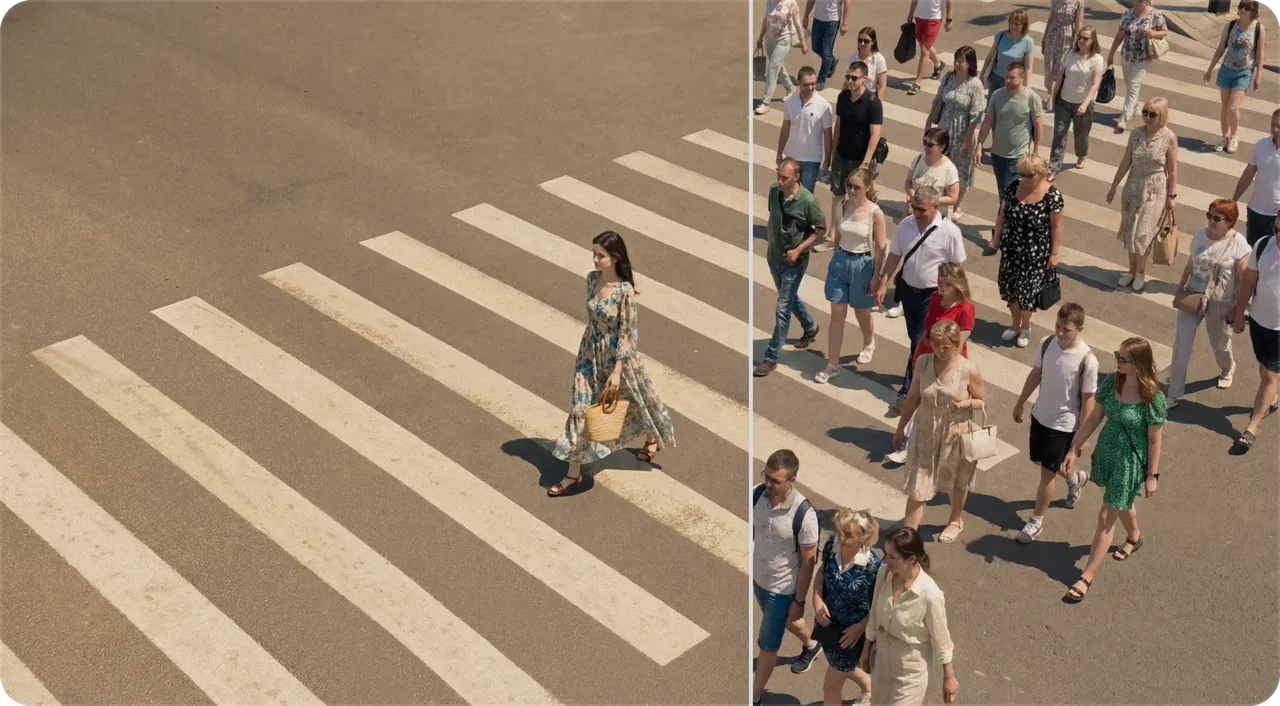
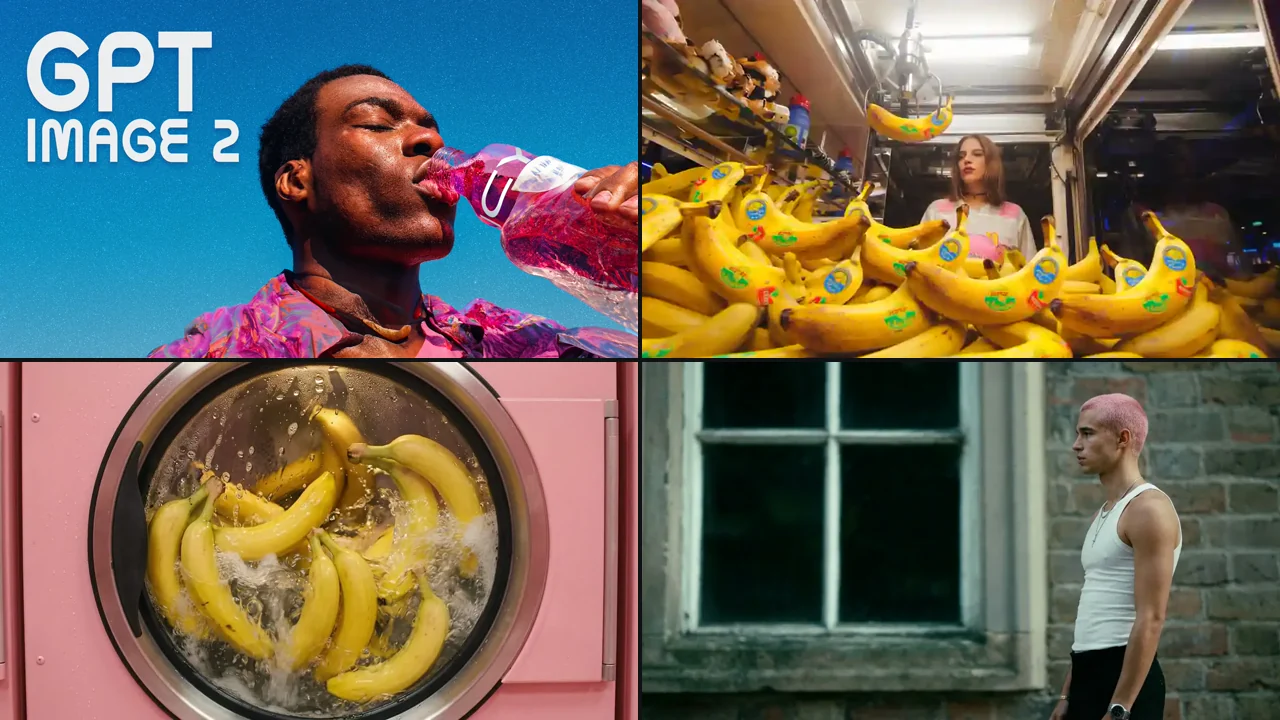
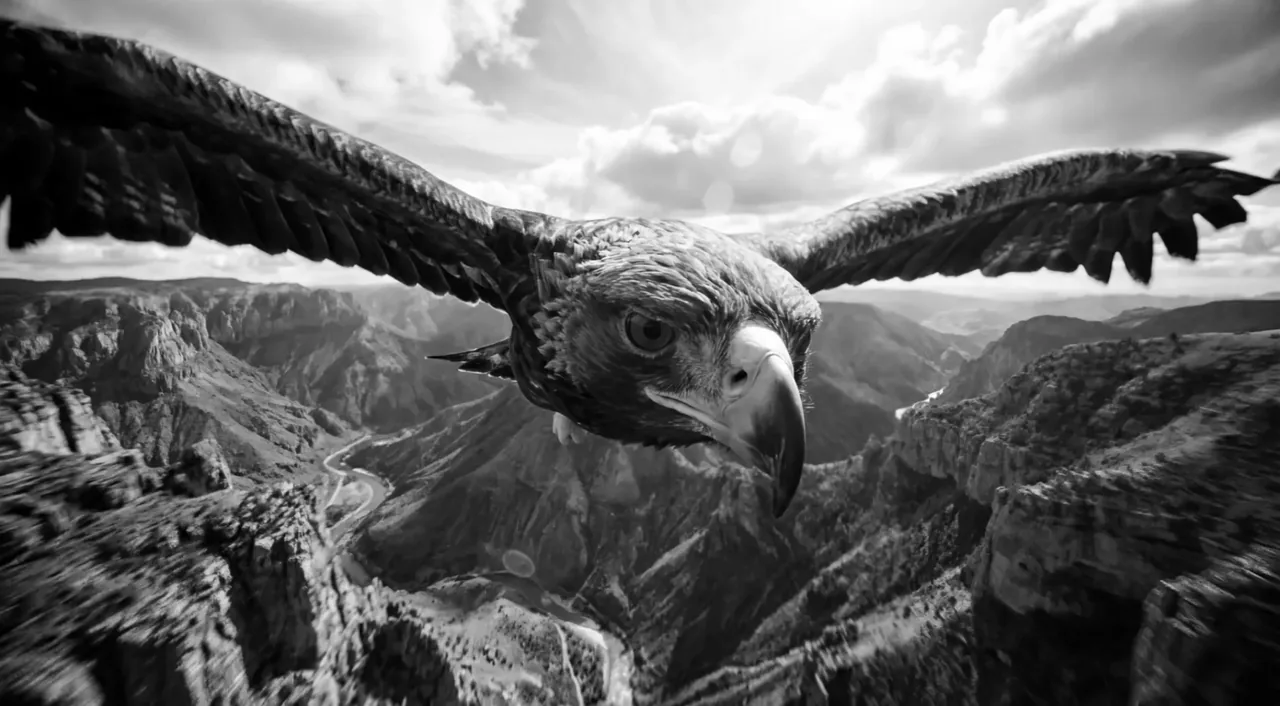
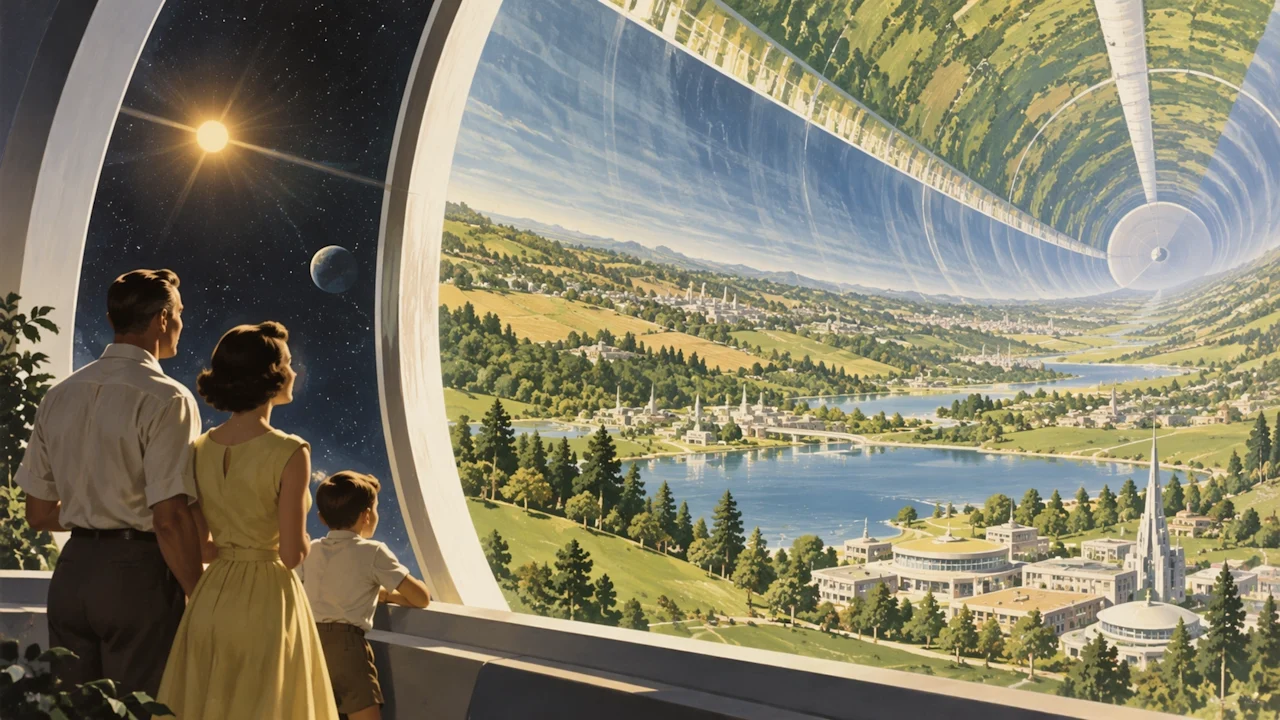
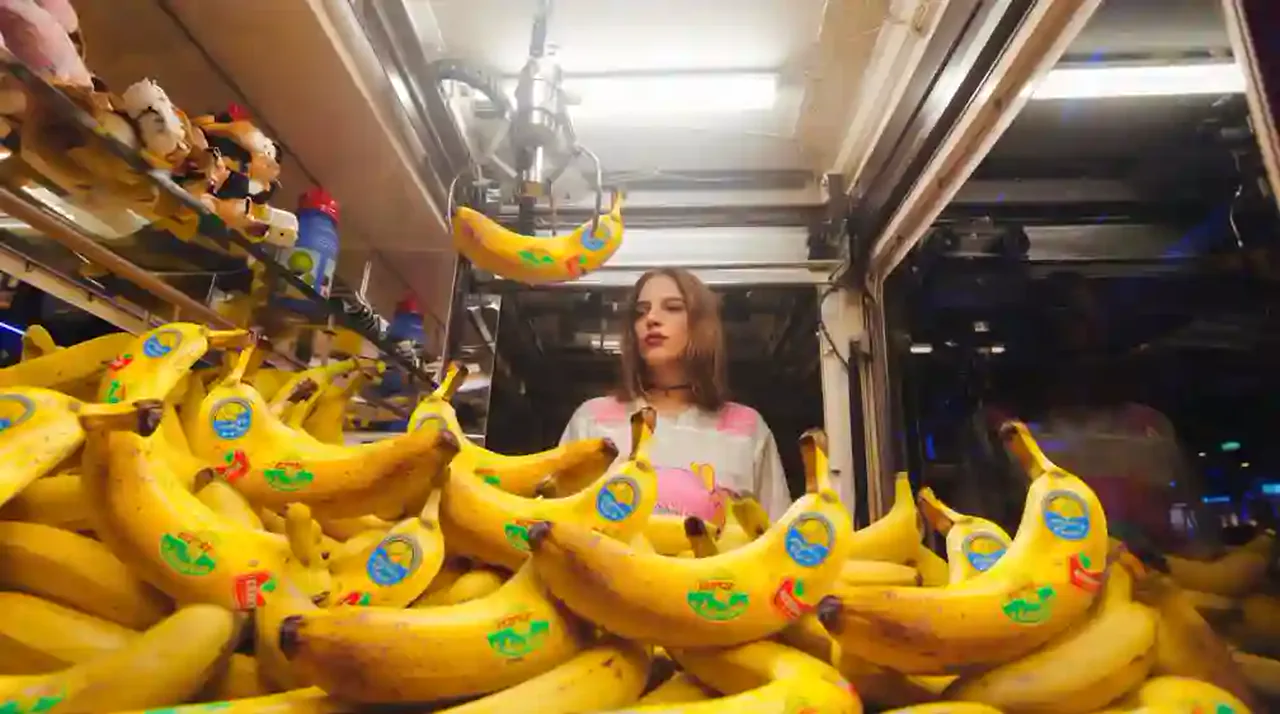
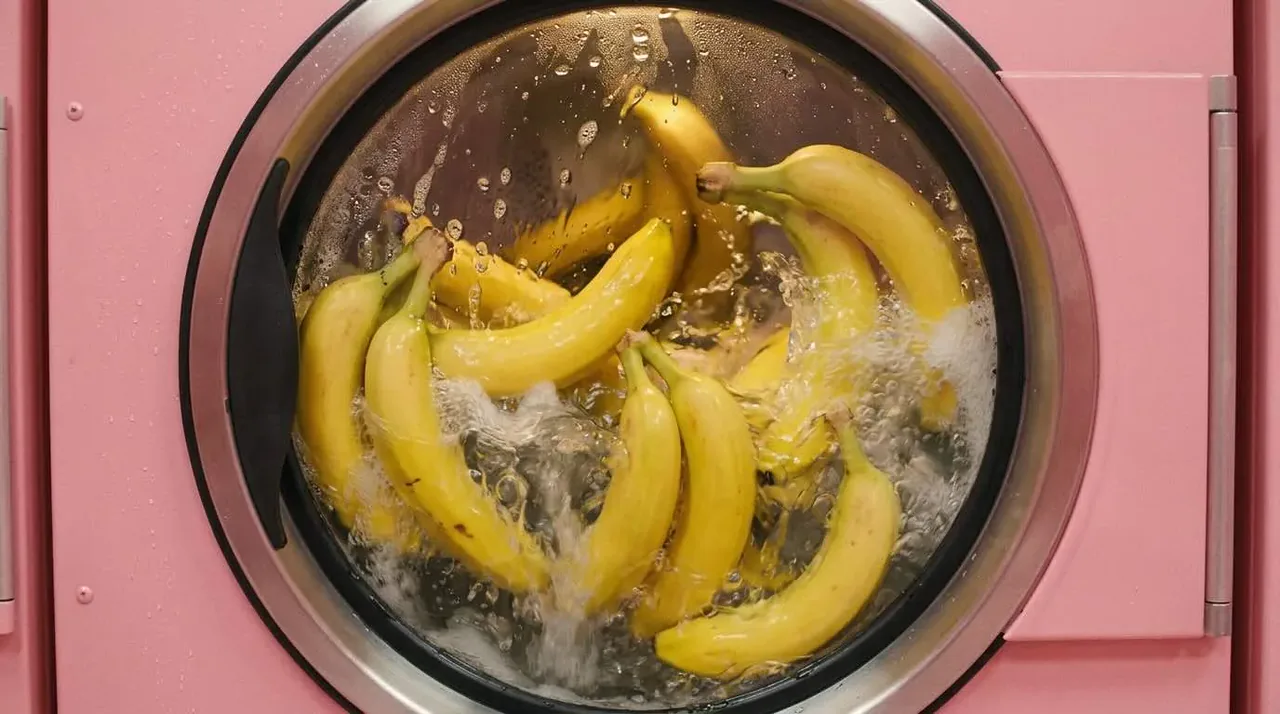
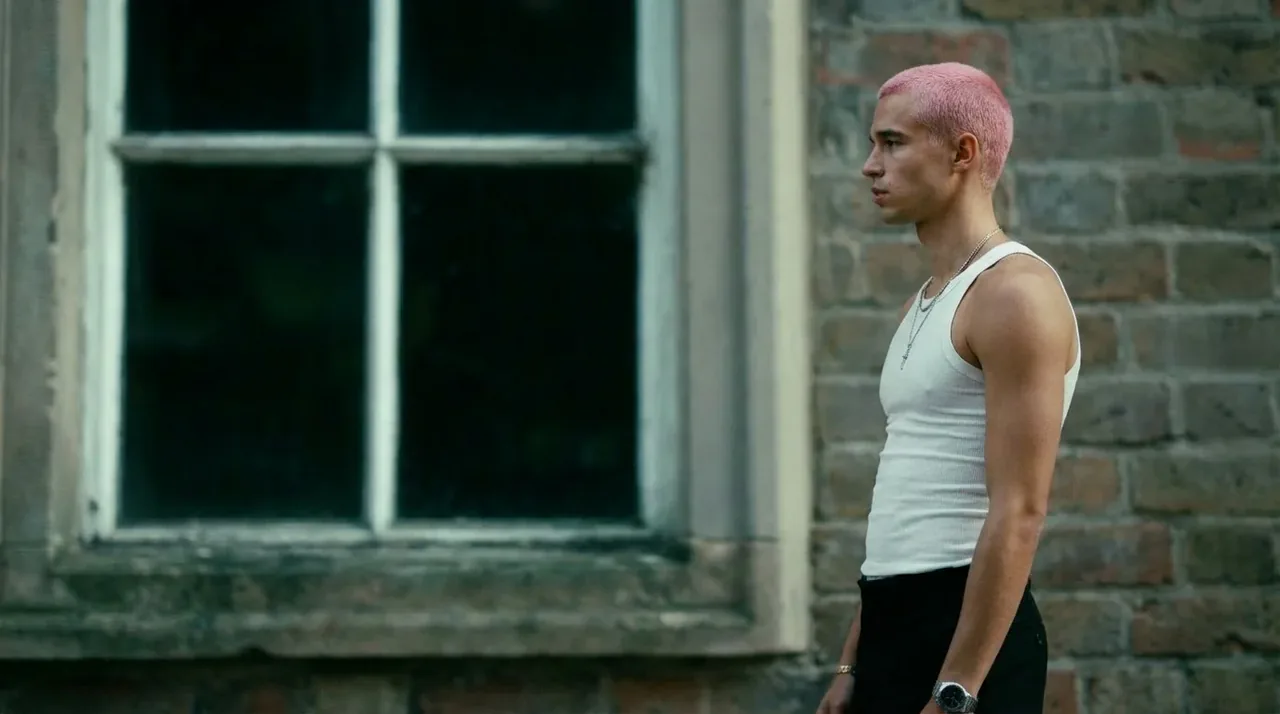
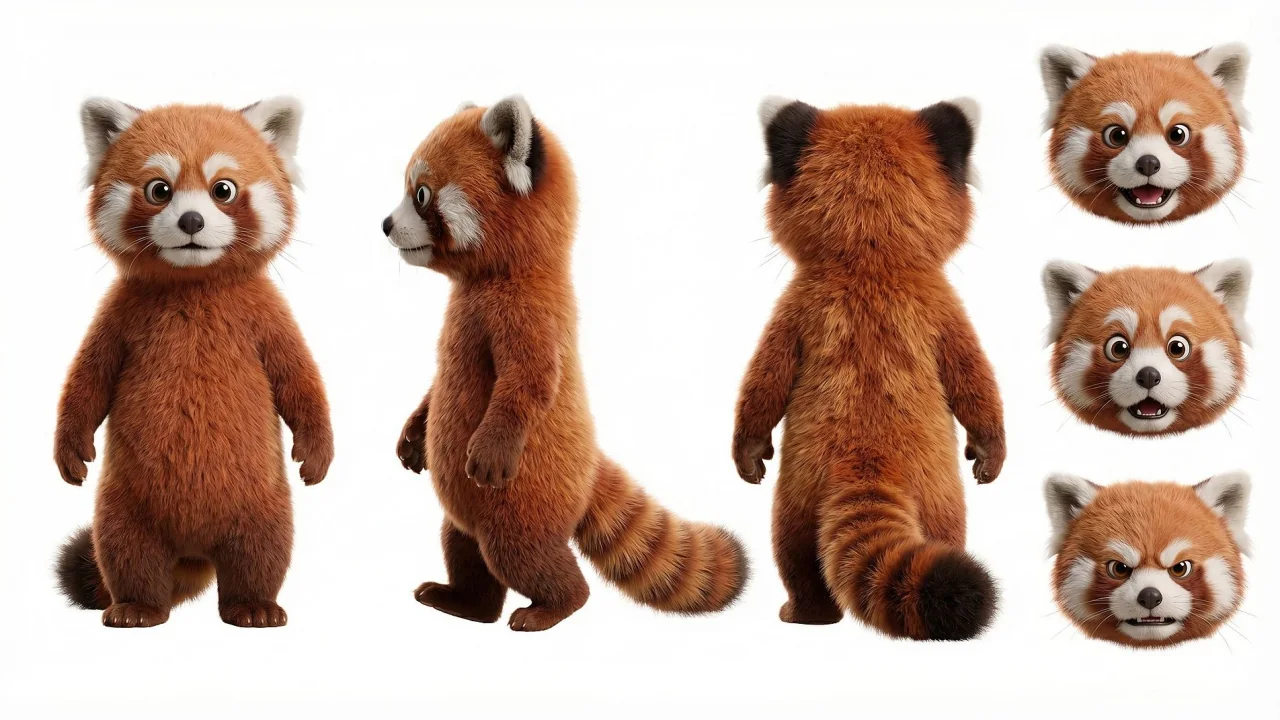
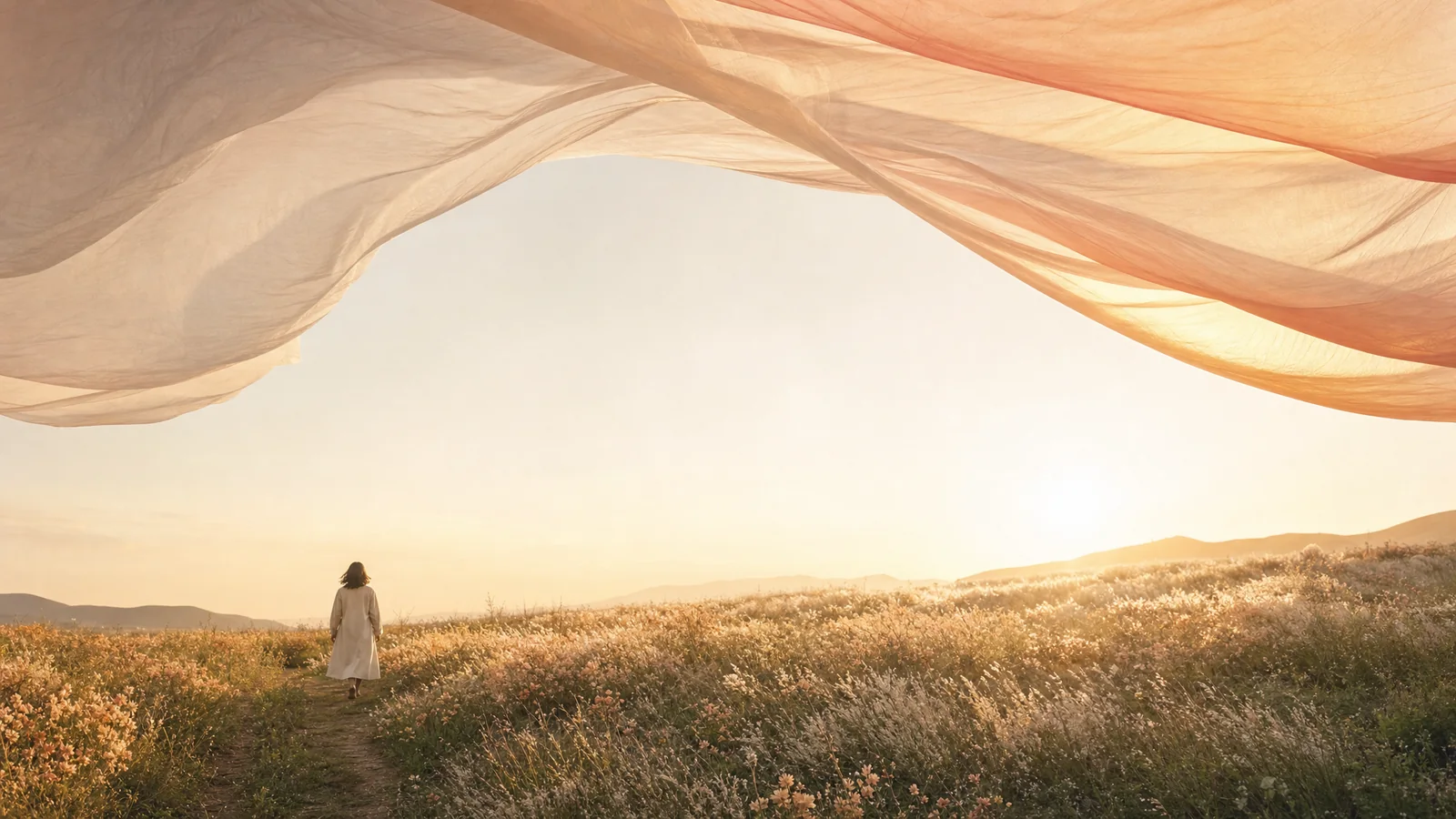
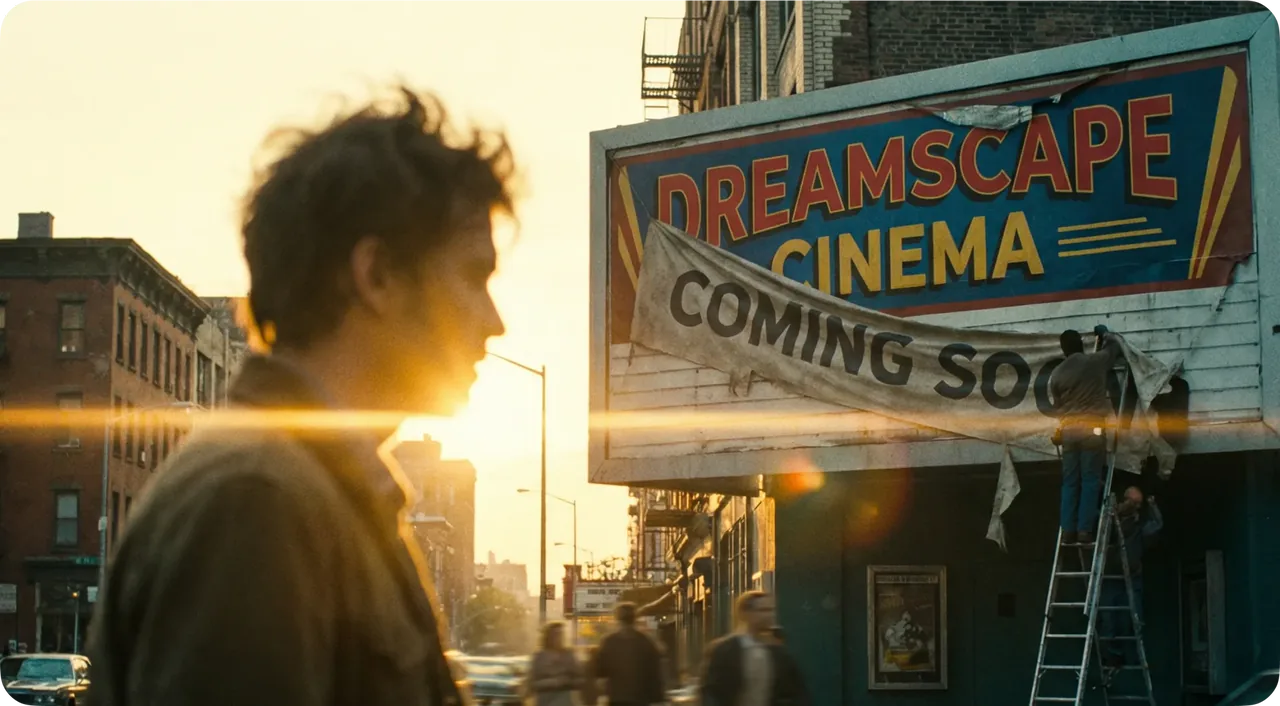
Create cinematic environments, believable characters, and commercial product visuals from a focused creative direction.
CONTINUE EDITING IN VUPPO
Keep generated images in History, reuse them as references, or continue with focused tools in the image workspace.
CREATE AN AI IMAGE IN THREE MOVES
Move from a clear visual brief to several usable directions without rebuilding the setup.
Describe the image
Write a direct prompt with the subject, environment, composition, and mood.
Choose a model and references
Select the model, add visual references when needed, and set the output format.
Generate and refine
Compare the results, reuse a strong image as reference, and continue the visual direction.
AI IMAGE GENERATOR FAQ
Practical answers about prompts, references, models, resolution, credits, commercial use, and continued editing.
What is an AI image generator?
An AI image generator creates a new image from a text prompt, reference images, or both. The selected model interprets the creative direction and produces one or more visual results.
Can I generate an image from reference photos?
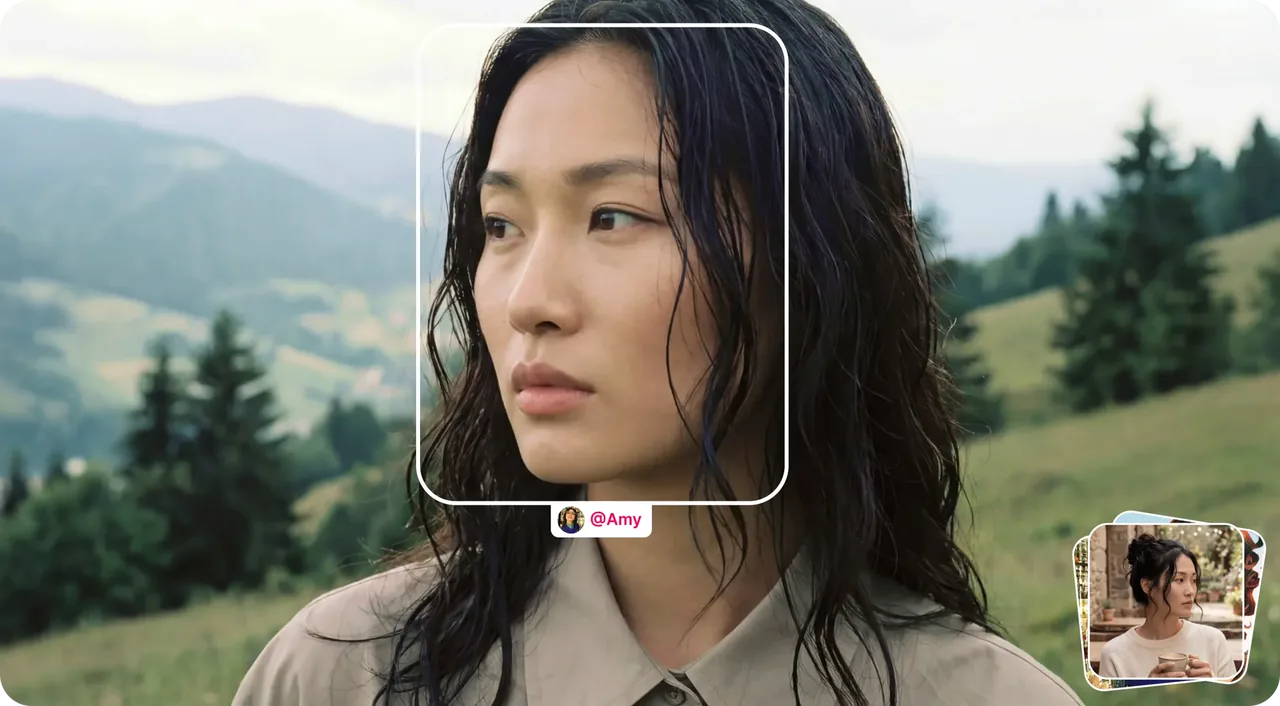
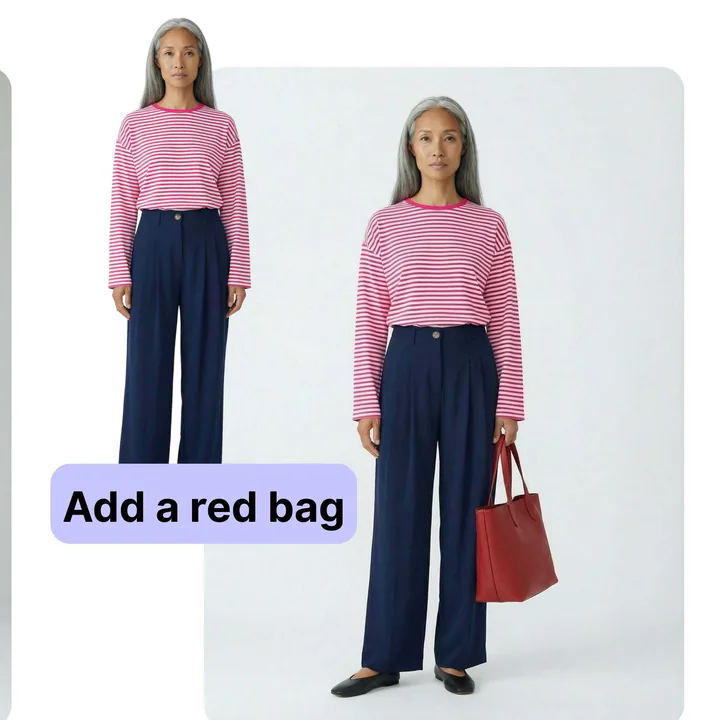
Yes. Compatible models use reference images to guide subjects, visual style, composition, colors, or product details while creating a new image.
Which AI image models can I use?
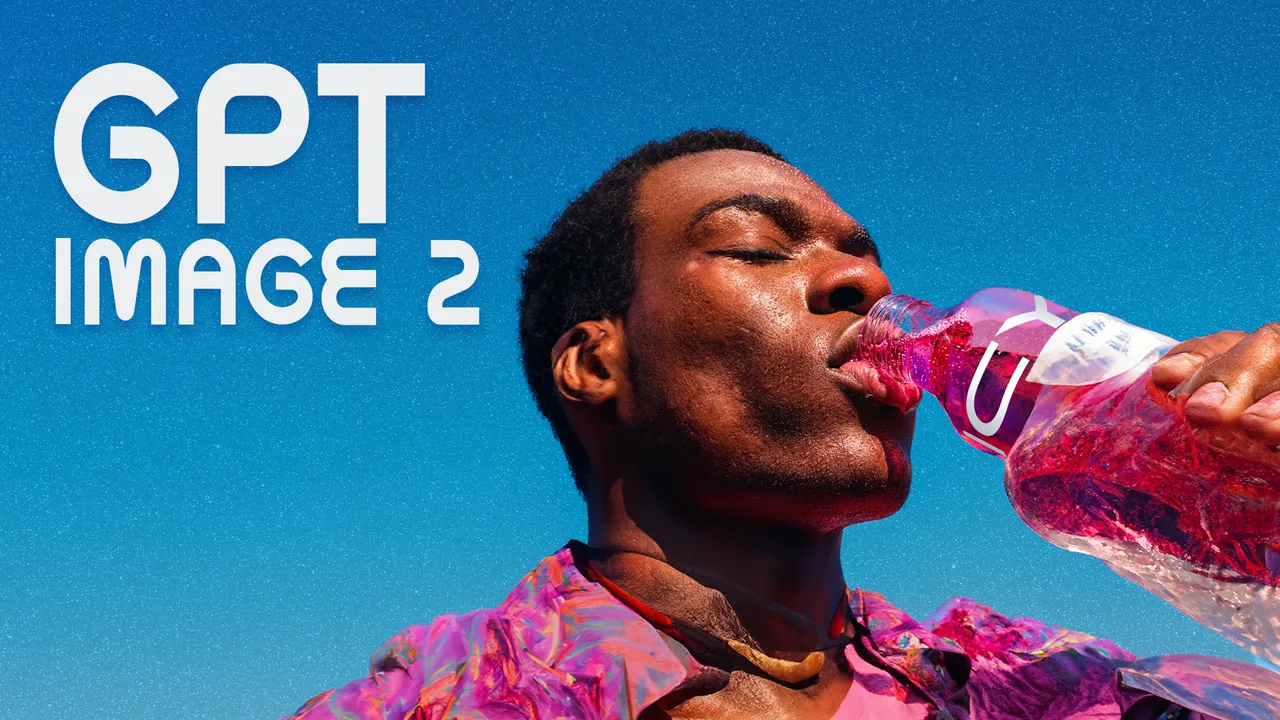
Vuppo currently includes Nano Banana 2, GPT Image 2, Nano Banana Pro, and Seedream 5. Each model supports a different mix of references, ratios, resolutions, and output counts.
What image sizes and aspect ratios are available?
Available settings depend on the model. The workspace supports common square, landscape, portrait, and vertical formats, with selected models offering output up to 4K.
Can I continue editing a generated image?
Yes. Generated images remain in History and can be reused as references. Available tools also support tasks such as inpainting, relighting, upscaling, and camera-angle changes.
Can I use AI-generated images commercially?
Commercial use is subject to Vuppo's current Terms of Service and any model-specific restrictions. Review the terms that apply to your account and intended use before publishing.
How long does AI image generation take?
Generation time varies by model, prompt complexity, reference count, output resolution, output count, and current processing demand. Progress and completed results appear in History.
How many credits does an AI image cost?
Credit cost depends on the selected model, resolution, image count, references, and editing tool. The generator shows the estimated credit cost before submission.
TURN THE NEXT IDEA INTO AN IMAGE
Choose a model, add a prompt or visual reference, and create the first direction in Vuppo.
Create Image Now