
Camera movement
Fast lateral motion keeps the subject readable while the composition changes around it.
Turn a prompt, keyframes, or a set of image, video, and audio references into a directed 5 to 15 second video with strong motion, coherent subjects, and native synchronized audio.
MiniMax H3 Max quick specifications
See how H3 Max handles camera movement, transitions, recurring characters, and directed visual treatment.
Direct motion with text, preserve subjects and style with multimodal references, guide the ending with keyframes, and generate synchronized sound in the same pass.
Fast lateral motion keeps the subject readable while the composition changes around it.
A clear opening and ending state gives motion a destination instead of an arbitrary cut.
The same stylized character remains recognizable as scale, pose and background change.
Typography, lighting and object detail stay aligned with a deliberate editorial treatment.
Choose the model, describe the complete shot, then review the result with the selected duration and resolution.
01
Open AI Video and select H3 Max from the MiniMax model family.
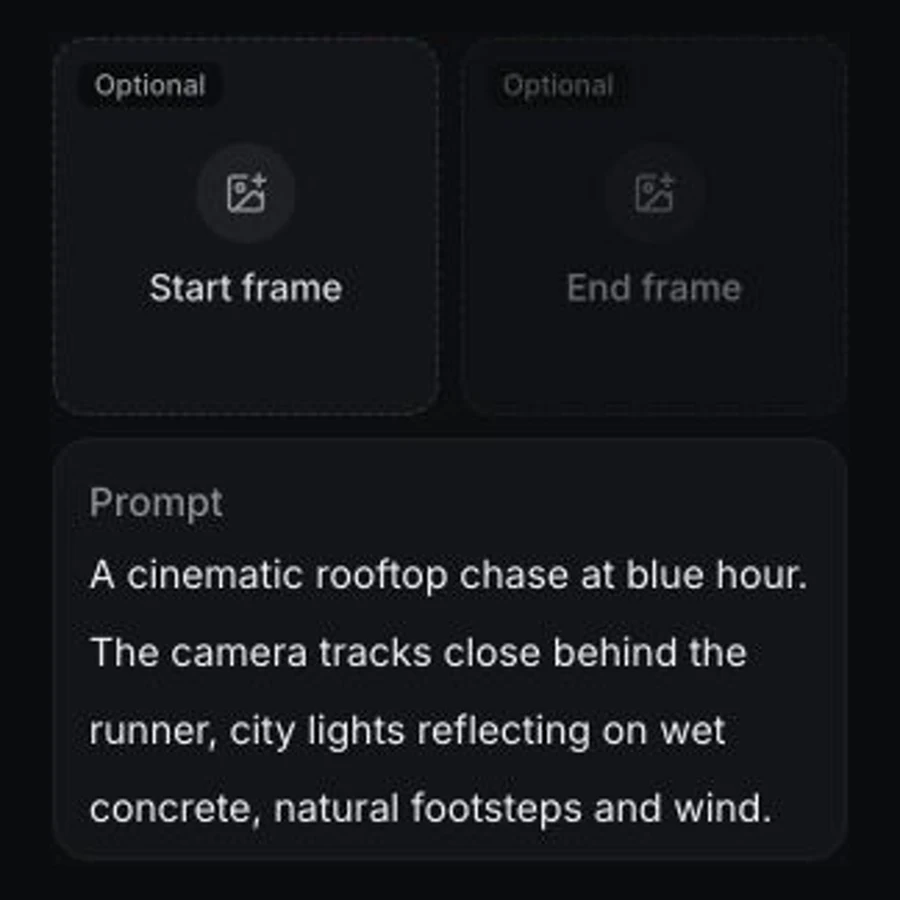
02
Choose References or Frames, add the source media you need, then describe subject, action, camera, lighting, ambience, dialogue, and sound effects in one directed prompt.
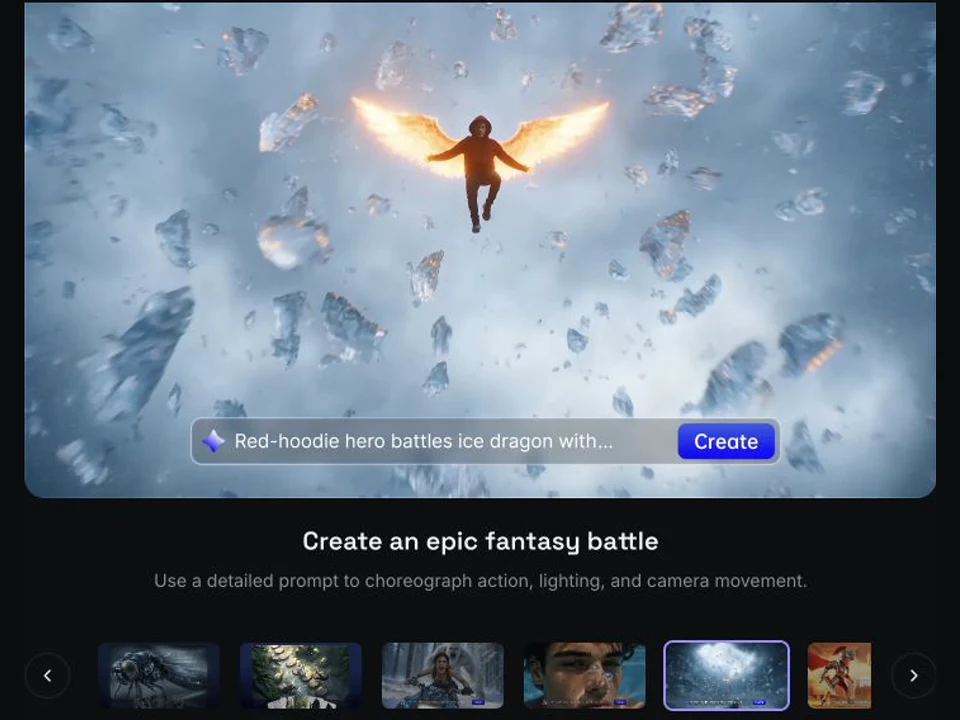
03
Choose 5 to 15 seconds and 480p or 768p, check the live credit quote, then generate.
Develop cinematic stories, campaign films, social clips, and polished product studies with one flexible video model.
Block out dramatic environments, weather, action, and camera beats before moving a scene into full production.
Create with H3 MaxExplore a campaign's mood, casting, product focus, and visual language through polished short-form films.
Create with H3 MaxTest short-form ideas with expressive movement and sound before committing to a longer production.
Create with H3 MaxKeep lighting, object detail, typography, and camera direction aligned across a concise branded shot.
Create with H3 MaxUse clear physical action, one deliberate camera move, and explicit audio direction.
The controls below reflect the MiniMax H3 Max options currently available in Vuppo.
Compare the model controls currently exposed in Vuppo before choosing the right workflow.
| Capability | MiniMax H3 Max | MiniMax H3 | Wan 3.0 |
|---|---|---|---|
| Inputs | Text, first and last frames, or image, video, and audio references | Text plus image, video, and audio references | Text, frames, and multimodal references |
| Output duration | 5-15 seconds | 5-15 seconds | 2-30 seconds |
| Maximum resolution | 768p | 2K | 1080p |
| Generated sound | Included | Not available | Optional |
Comparison reflects the controls currently available in Vuppo. Provider limits, availability, and pricing can change.
Vuppo calculates H3 Max pricing from duration and resolution. Reference requests reserve the model's maximum supported reference-token allowance.
MiniMax H3 Max is a post-trained H3 video model tuned for stronger prompt adherence, audiovisual quality and aesthetics. Every generation includes native synchronized audio.
Open the AI Video workspace, select MiniMax H3 Max, then choose References or Frames. Add image, video, and audio references or an optional first and last frame, describe the complete shot and sound, choose the duration and resolution, review the credit quote, and generate.
Commercial use is subject to the current Vuppo terms and any provider or model restrictions. Review the applicable terms before using a video in campaigns, products or client deliverables.
Yes. Use 480p to test prompts, motion, sound and visual treatments with a lower credit cost, then move to 768p for a more detailed selected direction. Generation time can vary with duration and service load.
Detailed, directed prompts work best. Describe the subject, action, composition, camera movement, lighting, visual style, mood, dialogue, ambience, music or sound effects, plus any constraints that must remain consistent. Keep the motion sequence clear instead of combining unrelated actions.
Yes. References mode supports up to 9 images, 3 videos, and 3 audio files, with 12 files total. Video and audio references must be 2 to 15 seconds and can total up to 15 seconds; audio cannot be the only reference. Frames mode also supports a first frame and optional last frame.
Yes. You can switch models in the same Vuppo video workspace and use the pricing comparison to review duration, resolution and credit differences. Model controls vary, so compare outputs using settings each model actually supports.
H3 Max is useful for designers, marketers, creative teams and independent creators producing storyboards, campaign concepts, social clips, client pitches and production experiments that need directed motion and consistent visual treatment.
Open the Vuppo video workspace with MiniMax H3 Max selected and turn the first idea into motion.
Create with H3 Max