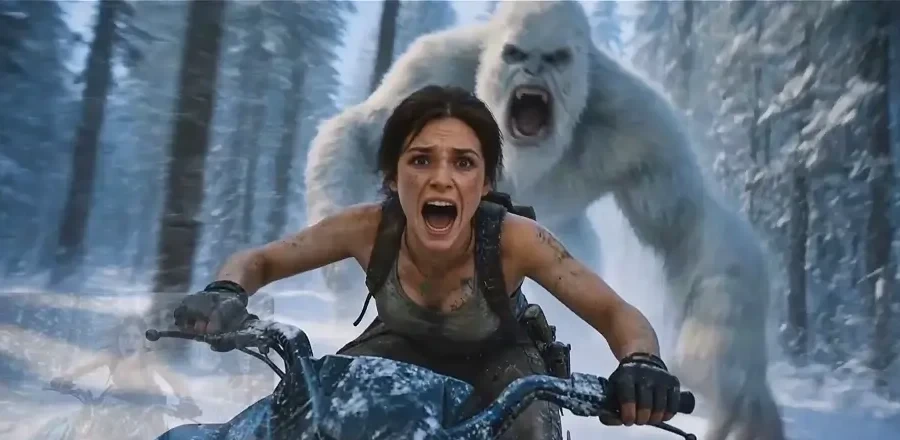
Create videos in three steps
Add optional references, write your prompt, choose a model and settings, then generate your video.
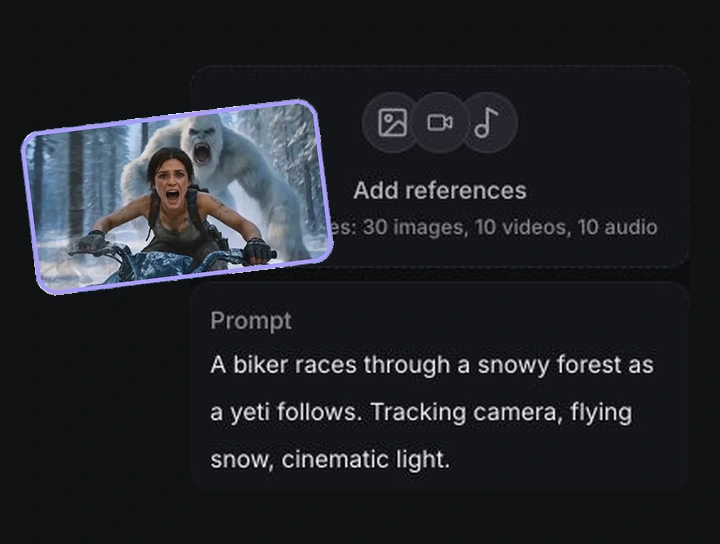
References & prompt
Optionally add image, video or audio references, then describe your scene and motion.
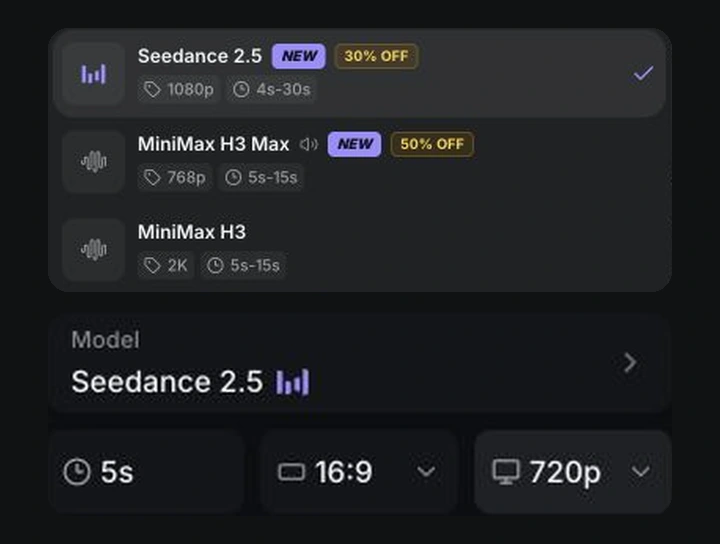
Choose model & settings
Choose a model and set the duration, aspect ratio and resolution.
Generate your video
Click Generate, then preview or download your video in History.