
Create images in three steps
Start with a prompt or reference image. Choose your model and bring your idea to life.
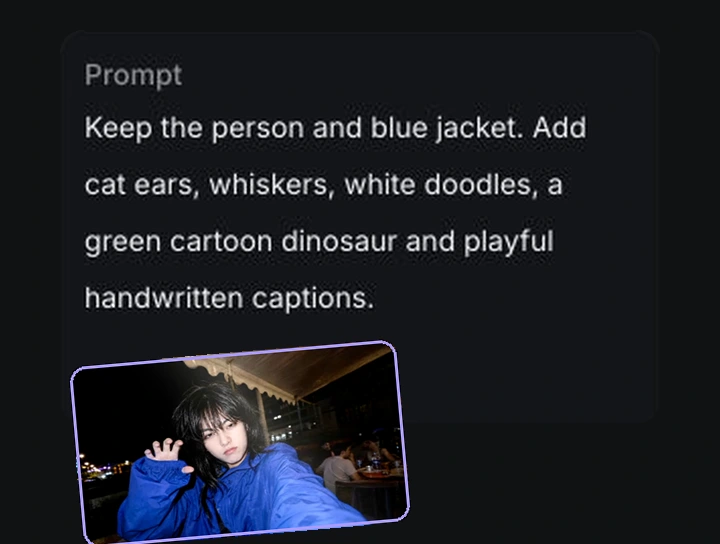
Upload & describe
Upload a photo, then describe your edit: doodles, cat ears and a cartoon dinosaur.
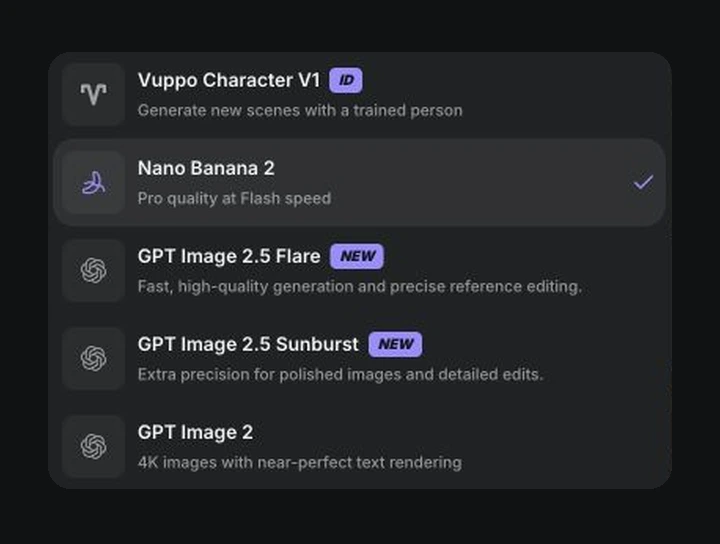
Choose your model
Pick an image model, then set the aspect ratio, quality and number of images.
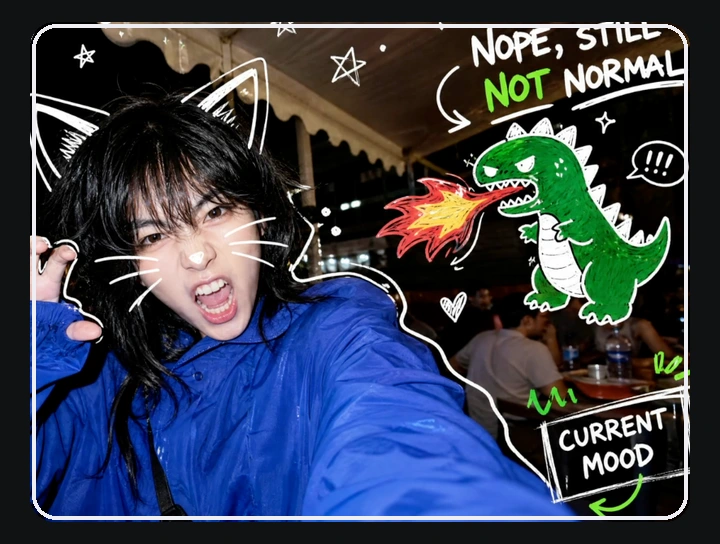
Get your image
Click Generate. View, download or keep refining your images in History.