
Talking straight to camera
A direct-to-camera product clip with natural delivery and soft room light.
Create 2-30 second 1080p videos with first and last frames, multimodal references, and generated sound.
Wan 3.0 quick specifications
Four portrait prompts built for social feeds, product stories, food detail and fashion motion.
Move from a text brief, controlled frames, or multimodal references to a finished video with optional sound.
Describe the subject, action, setting, camera and audio. Wan 3.0 builds the shot from text.
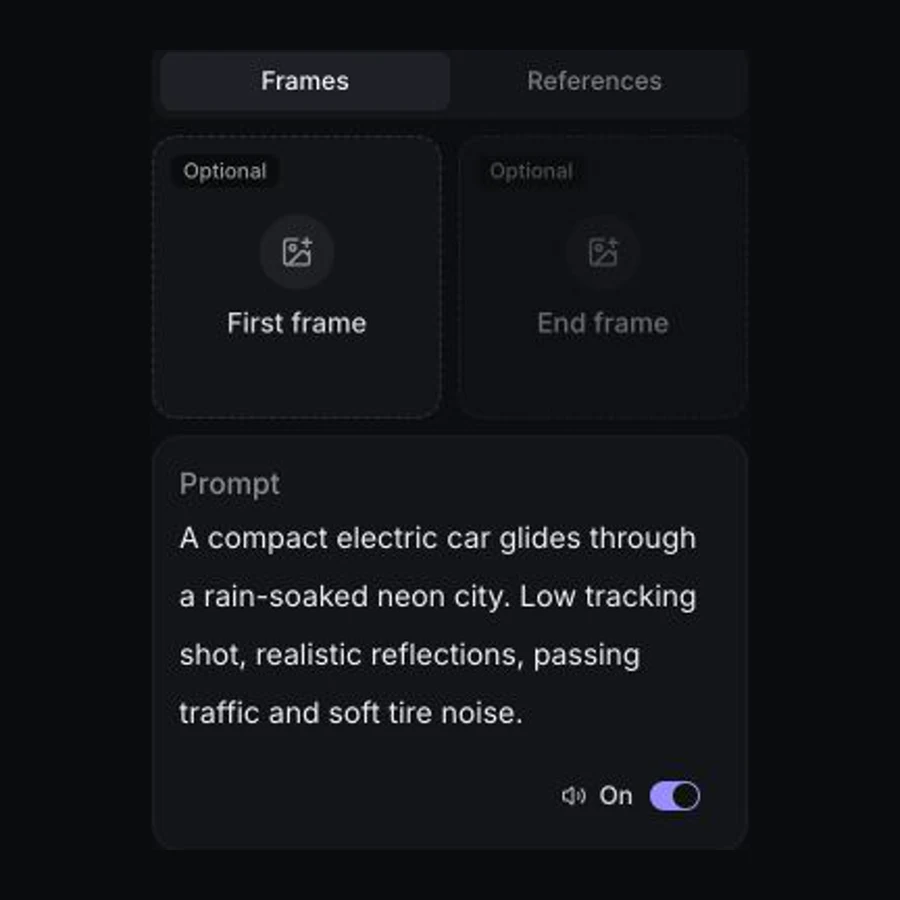
Add a first frame to animate a still, then optionally define the final frame of the shot.
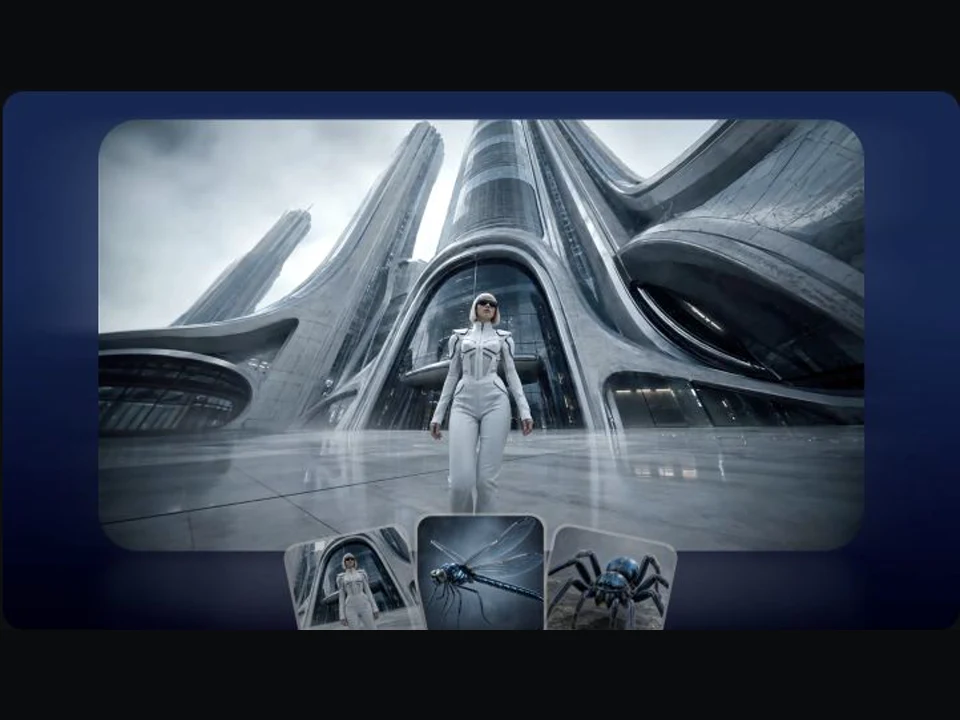
Combine images, video and audio, then address them as Image 1, Video 1 and Audio 1 in the prompt.
Describe dialogue, foreground events, and ambience directly in the prompt, then choose whether the generation should include sound.
Select the model, choose frames or multimodal references when needed, then set the final output and generate.
01
Open AI Video and select Wan 3.0 from the model picker.
02
Write the shot and optionally add first and last frames or image, video, and audio references.
03
Choose duration, aspect ratio, resolution, and sound, review the live credit quote, then generate.
Develop client campaigns, cinematic scenes, product films, and scroll-stopping social concepts with one flexible model.
Explore talent, choreography, visual direction, and campaign variations before a full production shoot.
Create with Wan 3.0Block out performances, camera coverage, environments, and physical action as a moving scene study.
Create with Wan 3.0Show product form, materials, details, and motion through clean commercial camera work.
Create with Wan 3.0Test high-impact visual hooks and short narrative beats before producing a full social campaign.
Create with Wan 3.0Start with a practical shot brief, then adapt the subject, action, setting, camera, and audio.
These are the Wan 3.0 controls currently available in Vuppo.
Current controls available in Vuppo. Choose by input structure, duration and output needs.
| Capability | Wan 3.0 | Seedance 2.5 | MiniMax H3 Max |
|---|---|---|---|
| Inputs | Text, first and last frames, image, video and audio references | Text, frame roles, image, video and audio references | Text, first and last frames, or image, video, and audio references |
| Output duration | 2-30 seconds | 4-30 seconds | 5-15 seconds |
| Maximum resolution | 1080p | 1080p | 768p |
| Generated sound | Optional | Optional | Included |
| Reference scale | 10 images, 5 videos, 5 audio | 30 images, 10 videos, 10 audio | First and optional last frame |
Comparison reflects the controls currently exposed in Vuppo. Provider limits, availability and pricing can change.
Vuppo calculates the exact Wan 3.0 credit cost from duration, resolution, references, and sound, then shows the quote before submission.
Wan 3.0 is an Alibaba video generation model available in Vuppo through an independent provider integration. Vuppo is not the official Alibaba or Wan website.
The current workspace supports text-to-video, image-to-video with an optional last frame, and reference-to-video with image, video, and audio inputs.
Reference mode accepts up to 10 images, 5 video clips, and 5 audio files, with 20 files total. Address them by order as Image 1, Video 1, and Audio 1.
Yes. Add a first frame to use image-to-video, then optionally add a last frame. A last frame cannot be submitted without a first frame.
Write plain directed prose in this order: subject, action, setting, camera, and audio. Use one main camera move per beat and put spoken dialogue in quotation marks.
Yes. Generated sound is optional. Name dialogue, sound events, and ambience directly in the prompt when you want tighter audio direction.
Vuppo exposes whole-second durations from 2 to 30 seconds at 480p, 720p, or 1080p, with Auto, horizontal, square, and vertical aspect ratios.
Vuppo shows the exact Wan 3.0 credit quote before submission. The total changes with duration, resolution, references, generated sound, and any active promotion.
Open the Vuppo video workspace with Wan 3.0 and the General workflow already selected.
Create with Wan 3.0