
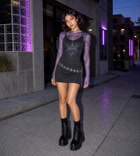
Reference motion transfer
Follow body movement, gestures, rhythm, and timing from a real video instead of asking the model to invent the action.
Kling 3.0 Motion Control for any character
Upload a movement video and a character image. Vuppo transfers the timing, pose, gestures, and camera motion into a new video.
Kling 3.0 Motion Controlfor any character
Upload a movement video and a character image. Vuppo transfers the timing, pose, gestures, and camera motion into a new video.
Generate motion videoFollow body movement, gestures, rhythm, and timing from a real video instead of asking the model to invent the action.
Capture hand direction, pointing, sign-like gestures, and coordinated upper-body movement that text prompts often miss.
Map smiles, frowns, eye movement, and expressive facial timing while the target character performs the motion.
Turn a simple performance into a more cinematic character scene while preserving the movement and physical rhythm.
Upload a reference performance and watch a static character take on the same pose, timing, gestures, and expression.
Use a compact reference clip to drive a completely different character.
Carry a recognizable character through turns, gestures, and changing angles.
Apply the same performance to realistic, illustrated, or fantasy subjects.
Transfer choreography, walking patterns, and body rhythm frame by frame.
Preserve hand direction and readable gestures during the performance.
Map smiles, eye movement, and expressive timing onto a new subject.
Kling 3.0 motion control
Four ways to transfer full-body movement, precise gestures, facial expression, and cinematic action to a new character.
Follow body movement, gestures, rhythm, and timing from a real video instead of asking the model to invent the action.
Generate motion videoCapture hand direction, pointing, sign-like gestures, and coordinated upper-body movement that text prompts often miss.
Generate motion videoMap smiles, frowns, eye movement, and expressive facial timing while the target character performs the motion.
Generate motion videoTurn a simple performance into a more cinematic character scene while preserving the movement and physical rhythm.
Generate motion videoChoose the model, add a motion reference and character image, then generate your new video.
01
Open the video workspace and choose Kling 3.0 Motion Control.
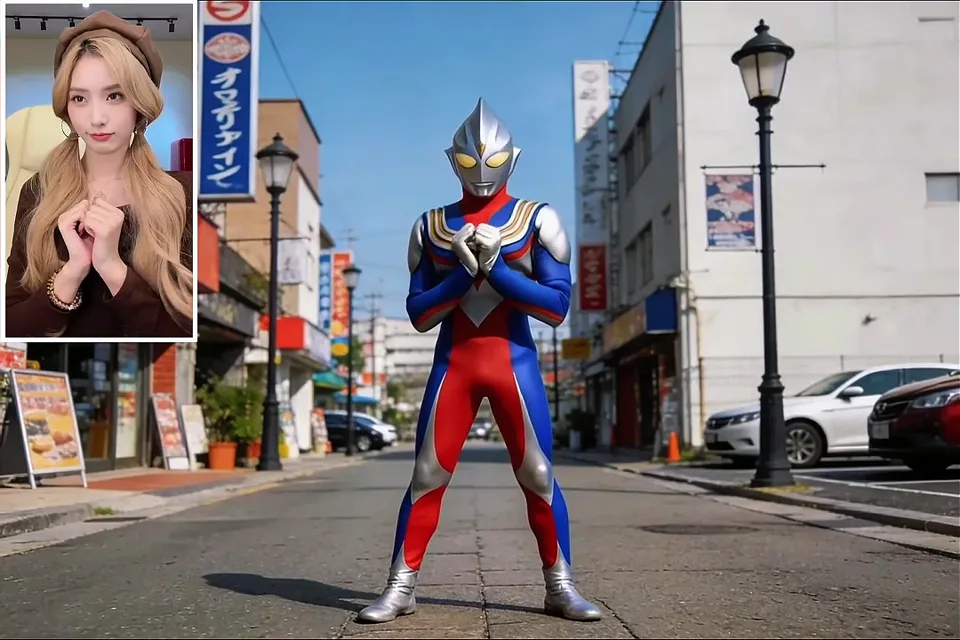
02
Add a 3-30 second motion clip and a clear character image.
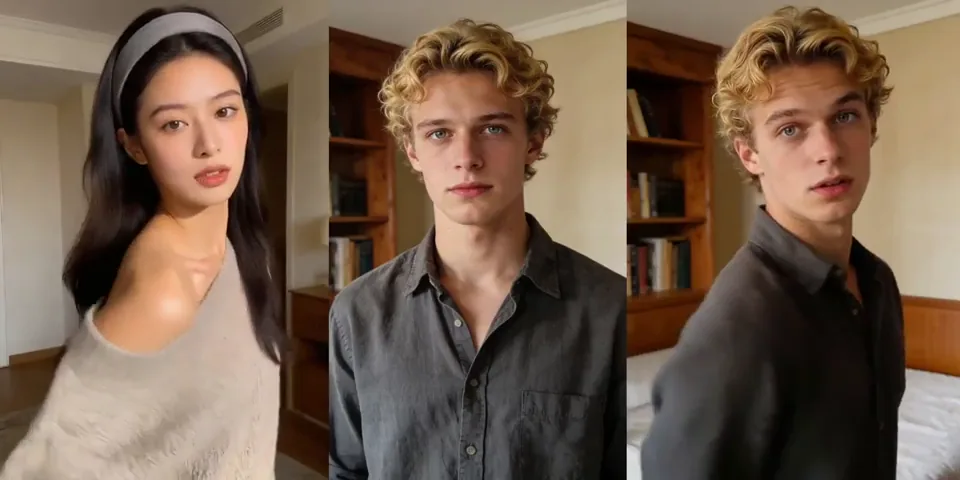
03
Describe the scene if needed, generate, and download the motion-controlled result.
Good source material matters more than a long prompt. Keep the movement visible and the character easy to read.
Avoid heavy blur, hard cuts, and long moments where the body leaves the frame.
A similar body angle helps the new character enter the motion naturally.
Confirm the transfer first, then add a more complex background or camera treatment.
Let the reference supply the action. Use text for setting, lighting, style, and camera direction.
Motion Control FAQ
Understand the inputs, output behavior, and best ways to prepare a motion transfer.
Choose a reference motion, add a character image, and create a new motion-controlled video with Kling 3.0.
