
Expressive camera motion
A fast camera move keeps the subject readable while space and composition change.
Create 5 to 15 second 2K videos from a prompt or multimodal references, with expressive movement and strong visual consistency.
MiniMax H3 quick specifications
Explore motion, reference guidance, subject consistency, and visual detail across different creative directions.
Combine expressive motion, multimodal direction, consistent subjects, and 2K output in one video workflow.
Direct fast movement, tracking, orbiting, or controlled push-ins while keeping the main subject readable.
Combine as many as nine images, three videos, and three audio files, with twelve files total and up to three timed references.
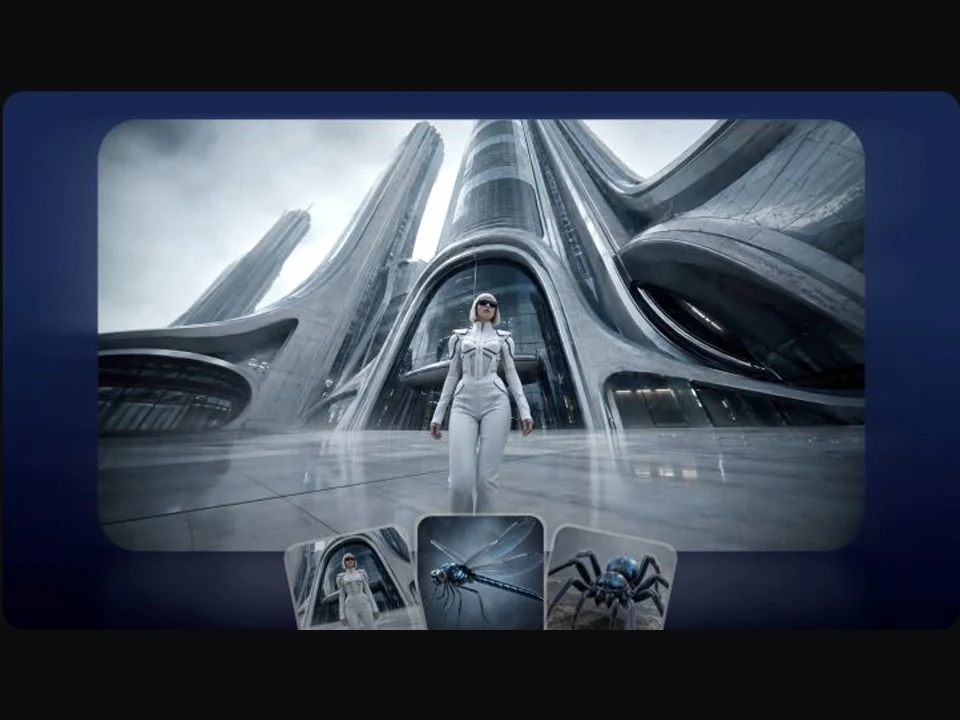
Use reference media and prompt elements to preserve important faces, objects, clothing, and visual motifs across the shot.
Generate at 2K when fine texture, product detail, typography, or polished campaign previews need greater clarity.
Choose H3, add a clear prompt and any useful references, then review the 2K result.
01
Open AI Video and select MiniMax H3 from the MiniMax family.
02
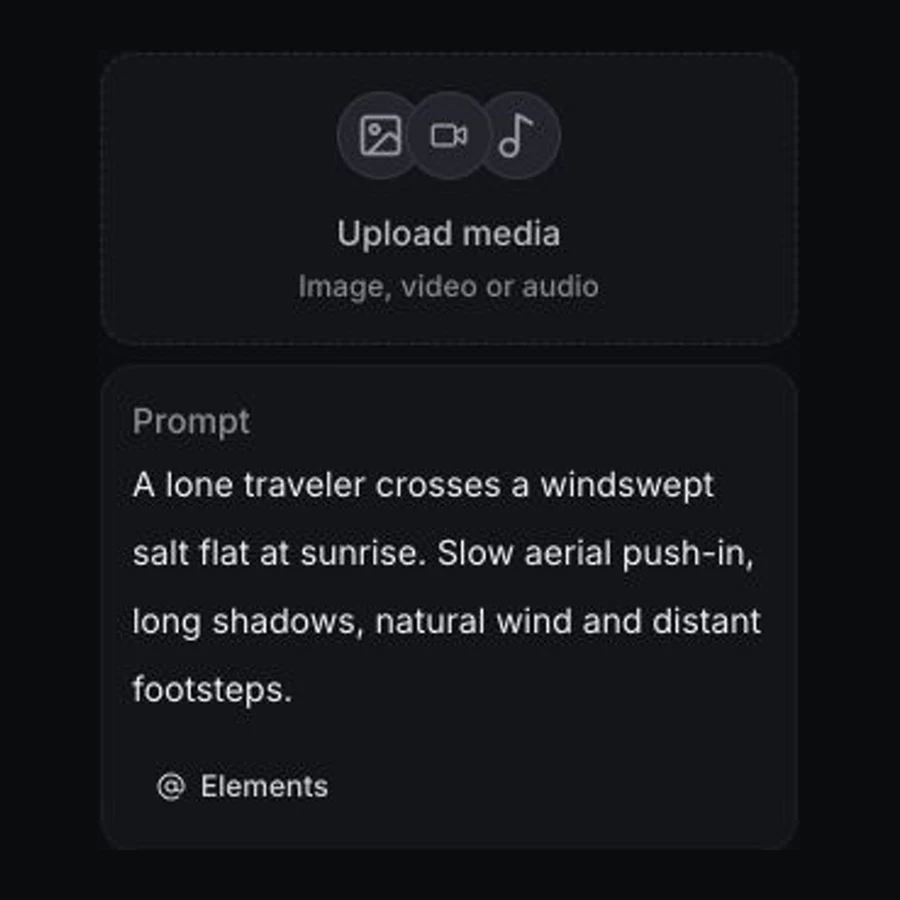
Describe the shot, then add images, videos, or audio that should guide identity, style, motion, or timing.
03
Choose a 5 to 15 second duration and aspect ratio, check the live credit quote, then generate.
Build campaign studies, storyboards, social motion, and visual concepts from text or existing creative assets.
Explore camera direction and brand treatment before moving an idea into full production.
Create with MiniMax H3Turn character and environment references into a moving proof of concept for a scene.
Create with MiniMax H3Test short-form visual hooks in horizontal, square, or vertical formats.
Create with MiniMax H3Test creature design, scale, lighting, atmosphere, and transformations in a concise visual study.
Create with MiniMax H3Name the subject, physical action, camera move, visual treatment, and role of each reference.
The controls below reflect the MiniMax H3 options currently available in Vuppo.
Compare current model controls in Vuppo by input structure, duration, resolution, and sound.
| Capability | MiniMax H3 | MiniMax H3 Max | Seedance 2.5 |
|---|---|---|---|
| Inputs | Text plus image, video, and audio references | Text, first frame, and optional last frame | Text, frames, and up to 50 multimodal references |
| Output duration | 5-15 seconds | 5-15 seconds | 4-30 seconds |
| Maximum resolution | 2K | 768p | 1080p |
| Generated sound | Not available | Included | Optional |
Comparison reflects the controls currently available in Vuppo. Provider limits, availability, and pricing can change.
Vuppo calculates the exact MiniMax H3 credit cost from duration, aspect ratio, and reference inputs, then shows the quote before submission.
MiniMax H3 is an AI video model available through Vuppo. It supports text-led and multimodal reference workflows with 2K output.
Yes. Submit a text prompt without media, then choose a duration from 5 to 15 seconds and a supported aspect ratio.
The current workflow accepts images, video, and audio references. You can use up to 9 images, 3 videos, and 3 audio files, with 12 files total.
No. The current MiniMax H3 workflow produces video without generated audio. Audio files can still be used as timed references when supported by the request.
MiniMax H3 output is currently generated at 2K in Vuppo.
Describe one clear sequence of action, the camera move, lighting, visual treatment, and the role of each reference. Keep identity constraints explicit.
Commercial use is subject to the current Vuppo terms and any provider or model restrictions. Review the applicable terms before publishing client or campaign work.
Vuppo shows the exact credit quote before submission. The total can change with duration, aspect ratio, reference inputs, and active pricing rules.
Open the Vuppo video workspace with MiniMax H3 selected and turn a prompt or reference set into a 2K video.
Create with MiniMax H3